EN 29
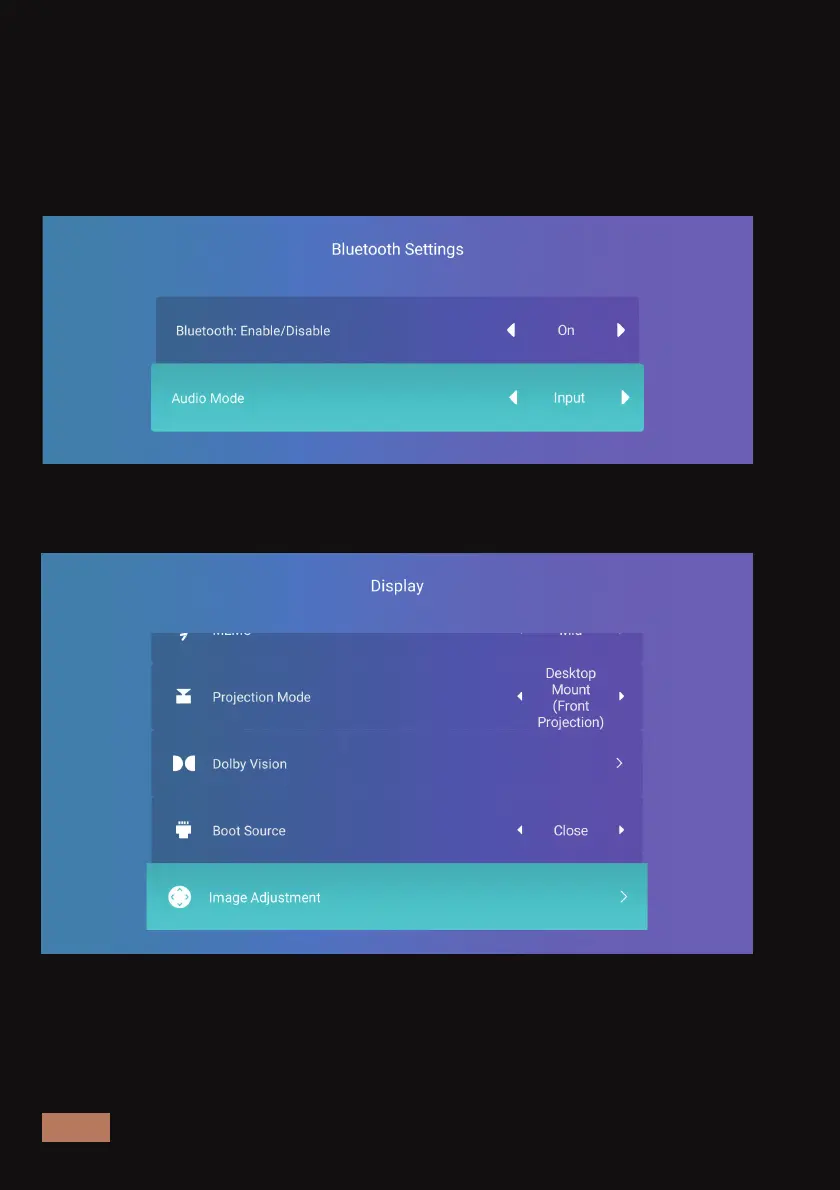
Use the Aurora Pro as a Wireless Speaker -
You can play audio from another source on the built-in speaker of the
projector using wireless connection. Choose Input under Audio Mode in
the menu, then turn on wireless connection on the device you would
like to connect. Search on the external device and connect to the
Aurora Pro.
DISPLAY
Image Adjustment -
Adjust the image without moving the projector. You can adjust the
zoom or the position of the image using the arrow keys on the remote.



 To Next Page