EN 30
Brightness Mode -
Set the projector brightness to either Standard or Brightest depending
on your needs.
Image Parameters -
Adjust the image, mode, brightness, contrast, saturation, sharpness, hue,
and color temperature.
MEMC -
Watch your favorite movies with the responsive Motion Estimation,
Motion Compensation (MEMC) feature. The options are off, high, low,
and mid.
Keystone Correction -
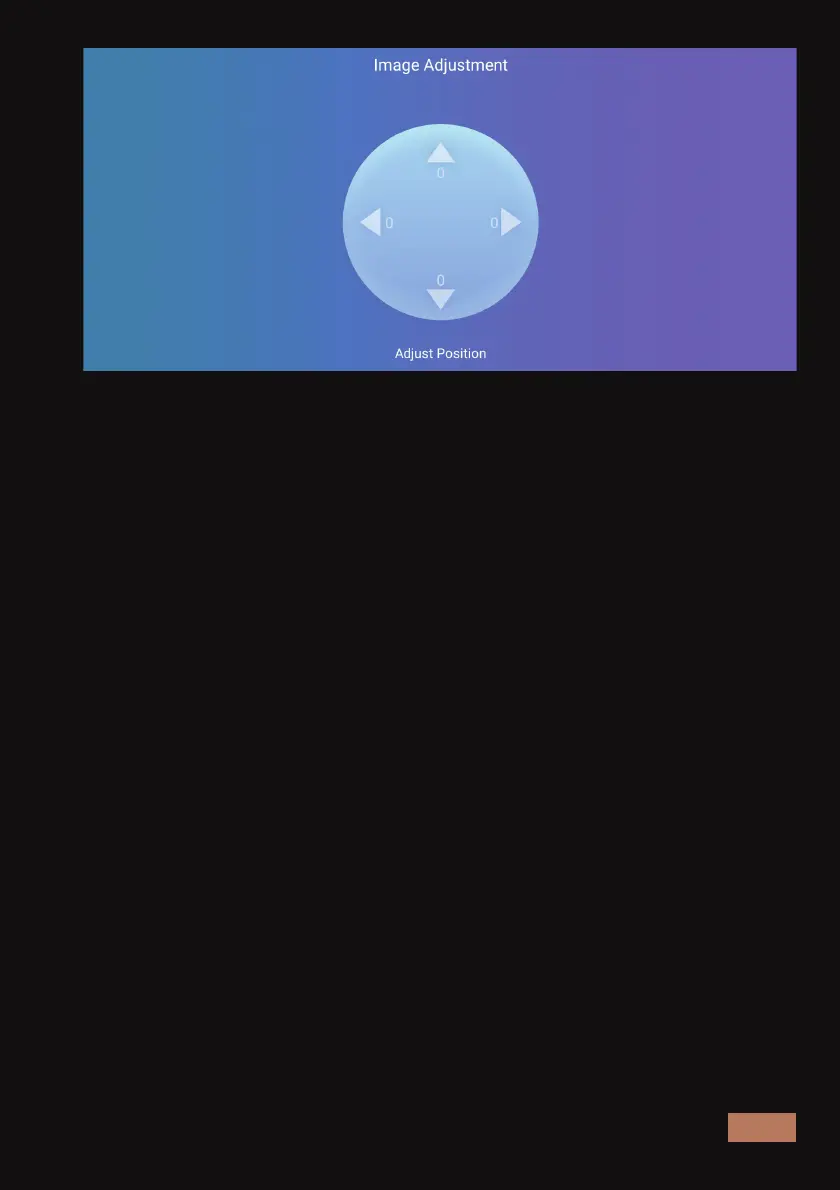
Choose the four-point or eight-point correction mode depending on the
level of adjustment needed. Select the point to be adjusted and press
the OK button. After that, the direction symbol will appear. Adjust the
shape of the projection using the direction keys until it appears correct.
Focus -
Press the left arrow button or right arrow button on the remote to
adjust the focus.
Projection Mode -
Changes the display mode of the projector. The options are Normal,
Mirror, Flip, and Mirror Flip.
Boot Source -
This selects the default source to open when the projector is powered
on. The options are Close, HDMI 1, HDMI 2 and HDMI 3.



 To Next Page