EN 31
INPUT SOURCE
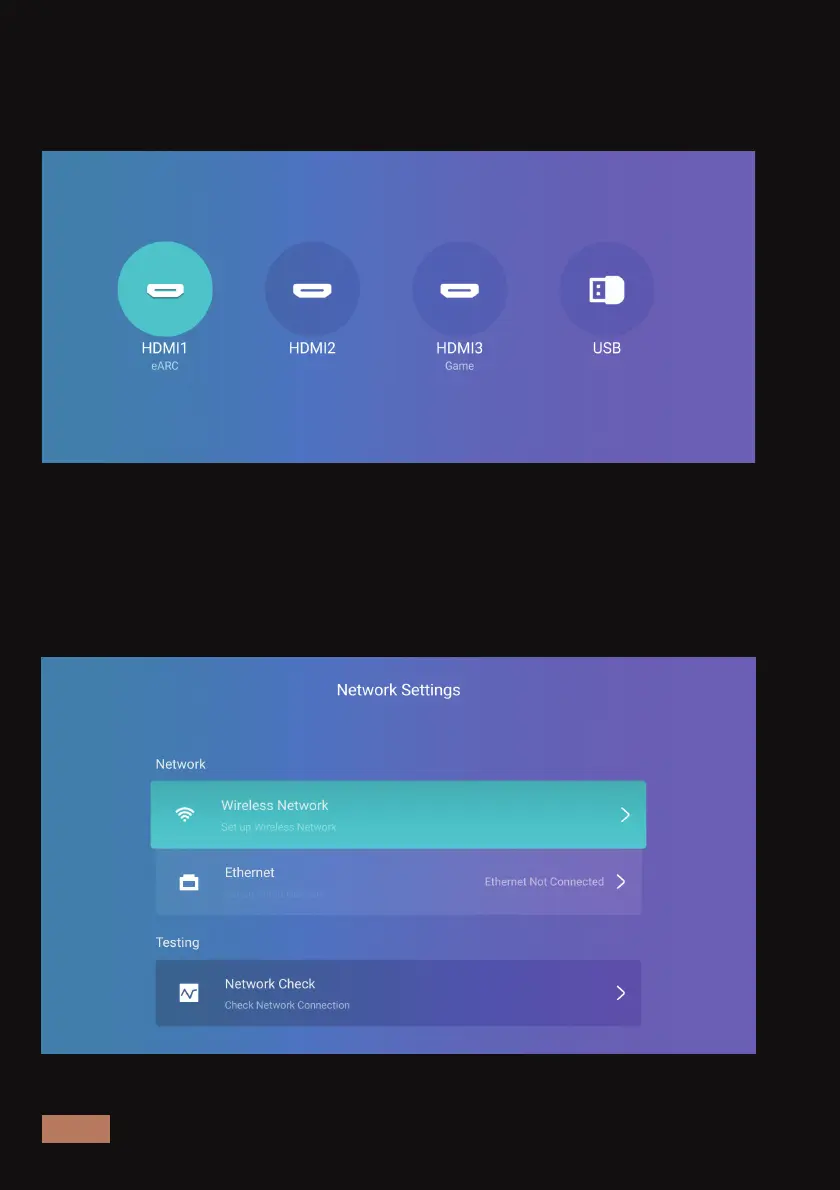
In the Input Source settings menu you can choose the signal source for
the connected device you wish to display on the projector.
NETWORK
In the Network Settings menu, you can connect to the internet via a
wired or wireless connection. For a wired connection, plug in the
Ethernet cable to connect. For a wireless connection, please connect
the projector to your local network.



 To Next Page