30 USB-Link™ 2 Wi-Fi Edition Installation and Setup Manual
Chapter 3 • Installing the Drivers and Setting Up the Device
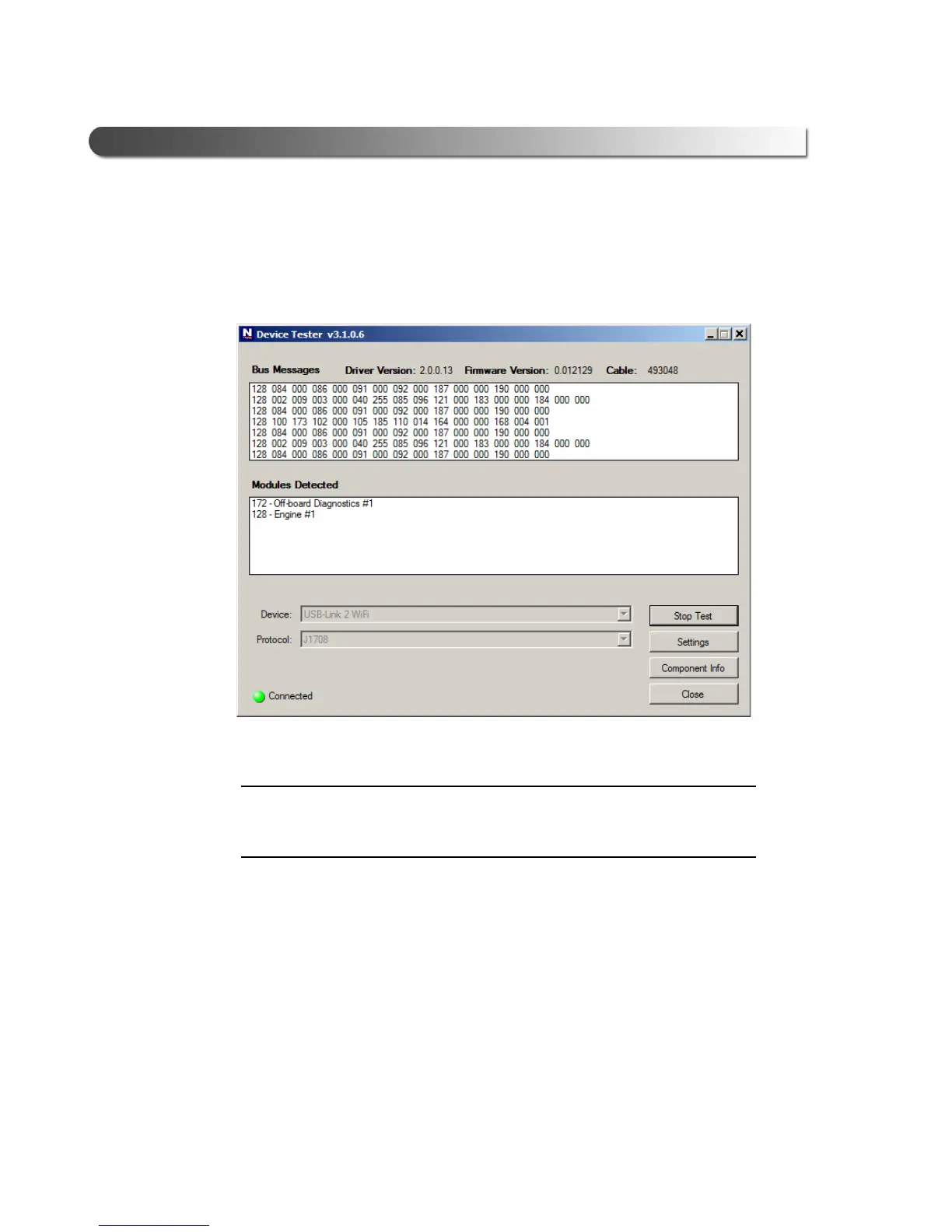
4 Press the Start Test button.
The Device T
ester screen is refreshed, and data received from the vehicle
bus is displayed in the Bus Messages window.
Figure 3.15 Device Tester Screen, Showing a Status of Connected
i The Modules Detected window in the lower portion of the screen displays
a list of all systems seen on the bus. It is used for J1708 and J1939 only.
For all other protocols this window will be unavailable (i.e., NOT USED).



 To Next Page