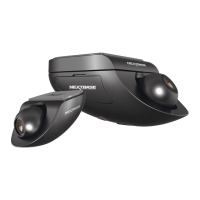
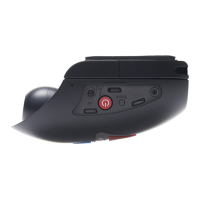
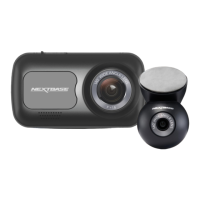
Front Facing Camera - Parts and Controls
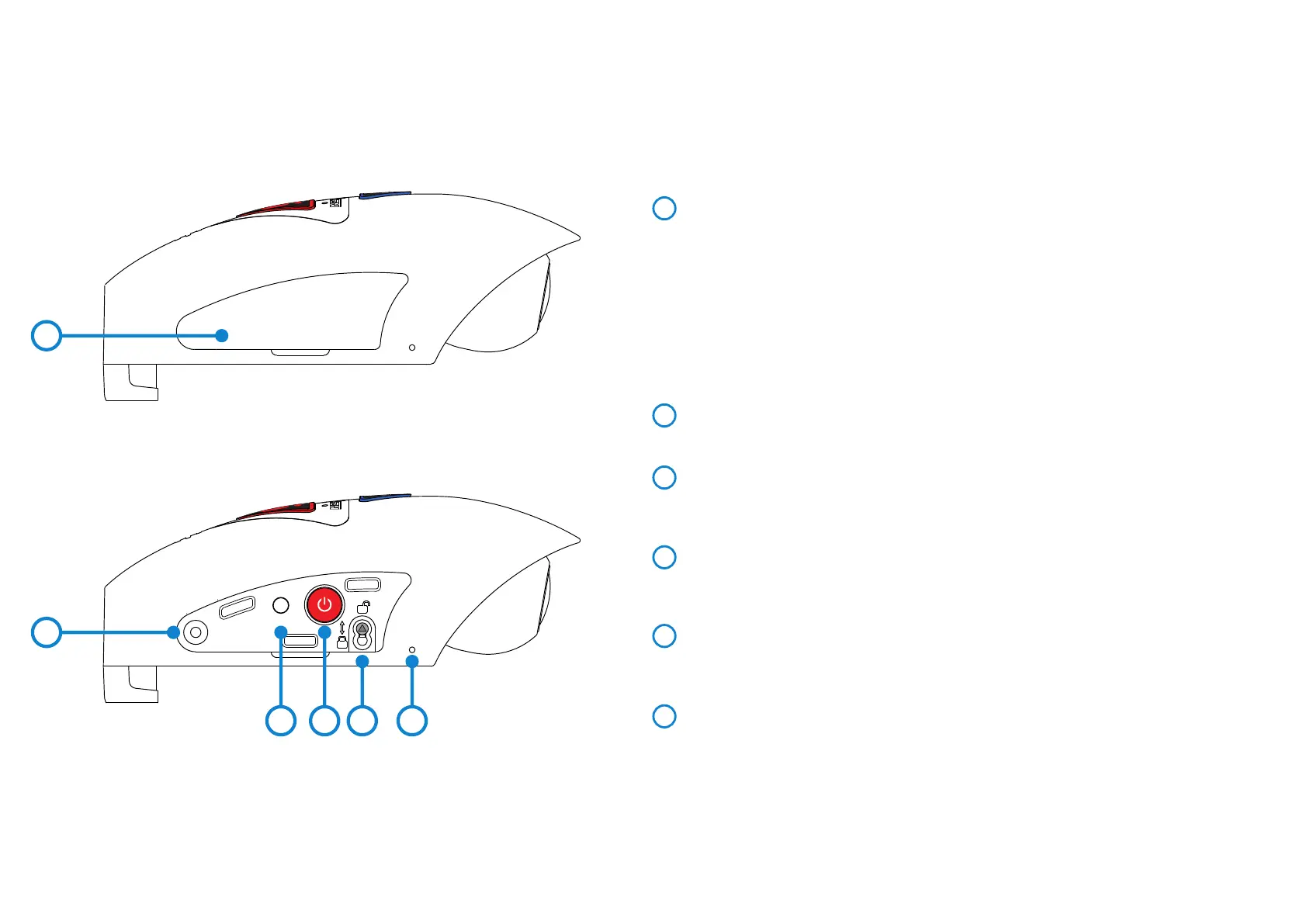
Please see below to identify the parts and controls of your Dash Cam.
Left side:
1
5
2
3
4
Side Cover
There are two types of side cover supplied:
Standard covers:
These are fitted when the Dash Cam as standard and are used during normal operation.
Remember to replace the side cover before use.
Locking covers:
Included within the Security Pack are two locking covers, these can be secured to the Dash
Cam using the supplied anti-tamper screws. This allows the owner of the vehicle to prevent
un-authorised access to or operation of the Dash Cam.
Anti-Tamper Screw Insert
Insert thread for the anti-tamper screw.
Reset Button
In the unlikely event the Dash Cam becomes unresponsive, press the RESET button to
restart the Dash Cam.
Power & Start / Stop Recording Button
Long press (2 seconds) power On/Off the Dash Cam.
Short press to start / stop recording.
Camera to Mount Locking Screw
The camera can be secured to the mount to prevent un-authorised removal, see pages
41 - 42 for further details.
Microphone
Integral microphone for audio recording, this can be turned off via the Cam Viewer App.
6
T gugv
1
2
3 4 5 6
11


 To Next Page
 Loading...