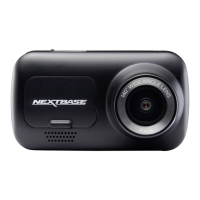
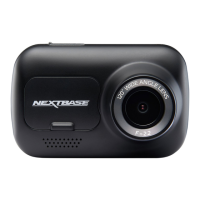
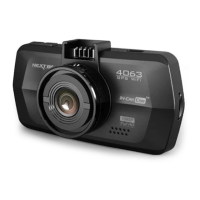
Sides:
9. Reset button
In the unlikely event the Dash Cam becomes unresponsive, press the RESET button to
restart the Dash Cam.
10. DC-IN / USB socket
Connect the supplied car power cable or USB data cable here.
11. SD card slot
Insert the MicroSD card here, taking care that the gold contacts are facing towards the
Dash Cams buttons.
12. Microphone
Integral microphone for audio recording, this can be turned off via the DriveGuard™ App.
12
10
RESET
5VDC IN
11
9
PARTS & CONTROLS (CONTD.)
11


 To Next Page