Parts and Functions
Phone jack
Volume control
Video in/out jack
Audio in/out and optical output jack
DC in
1
2
3
4
5
1
2
3
4
5
For connecting stereo headphone or an amplifier.
Use it to adjust the volume of the speakers or headphone.
Input or output video signals to connected device by setting AV IN/OUT mode value.
The included AV cable is connected here.
Connect the included AC adapter here.
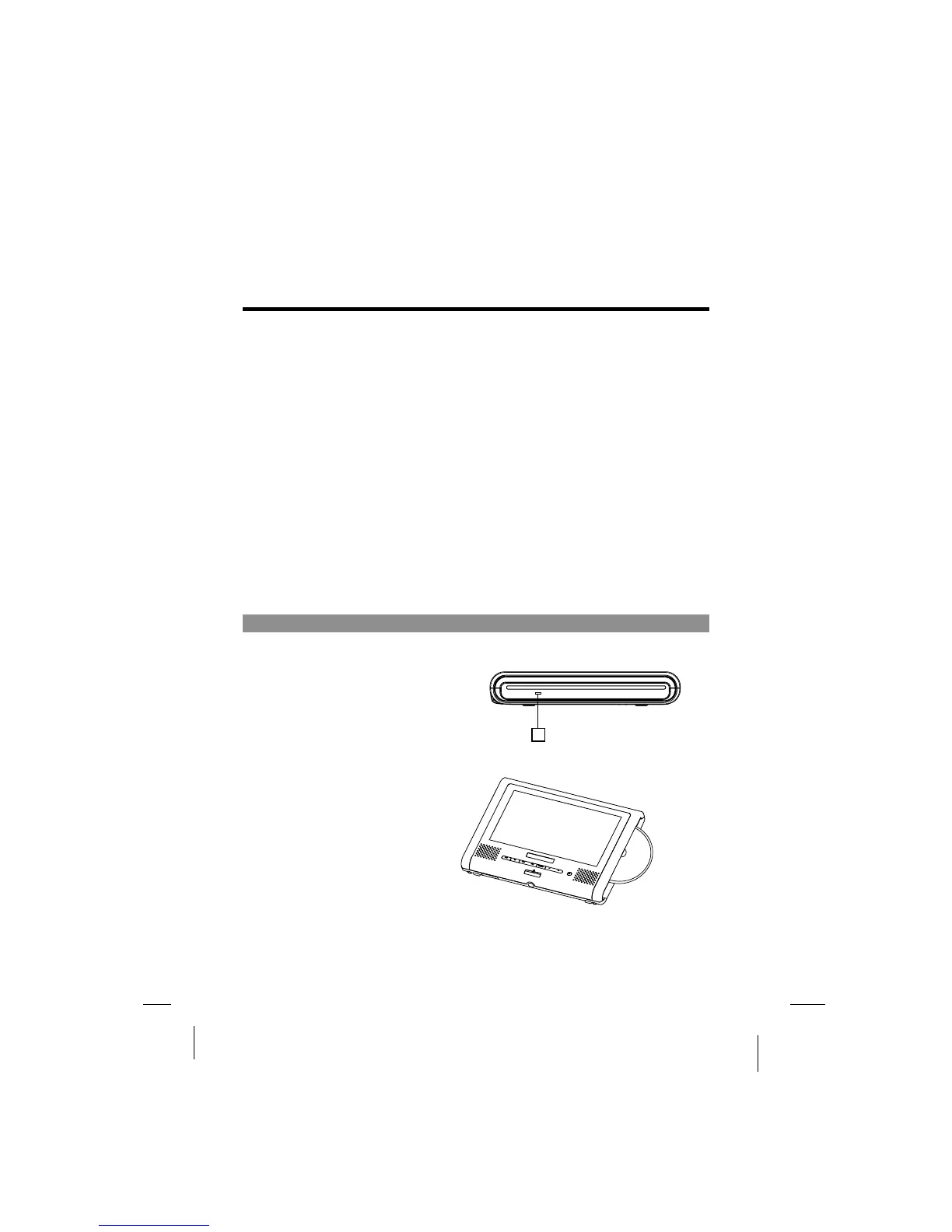
Main unit right panel
1 Loader status indicator LED1
Indicate loader status.
1
-17-
Input or output audio signals to connected device by setting AV IN/OUT mode value.
Output optical audio signals to connected device.
The included AV cable or optical digital cable is connected here.



 To Next Page