PASSWORD
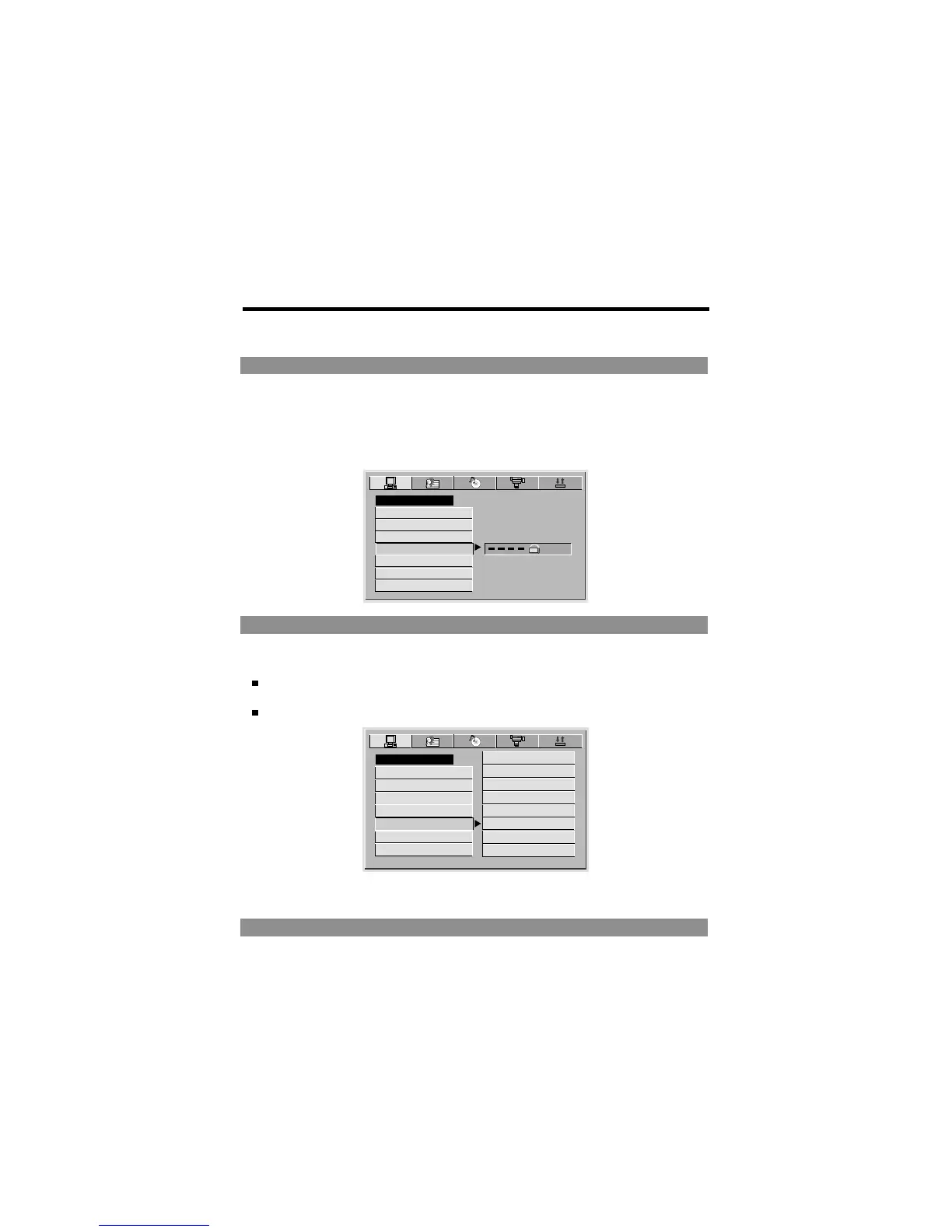
1 The player is locked with a default password 0000 and you can not change the rating.
In order to change the rating, choose th password option and input the correct password
to unlock the player.
2 After the player is unlocked, you can choose the rating option and change it, then you
can choose password option and change to a new password with 4-digit numbers and
press OK button to lock it again.
SYSTEM SETUP
SCREEN SAVER
TV TYPE
PASSWORD
RATING
DEFAULT
EXIT SETUP
TV SYSTEM
RATING
The Rating feature works with DVD discs that have been assigned a rating.
This helps you to control the types of DVDs that the player can be watched.
There are eight limited rating options:
KID SAFE, G, PG, PG13, PGR, R, NC17, ADULT.
The default setting is ADULT.
SYSTEM SETUP
SCREEN SAVER
TV TYPE
PASSWORD
RATING
DEFAULT
EXIT SETUP
6R
TV SYSTEM
7 NC17
8 ADULT
NOTE:
If the password option is locked, you cannot change rating.
DEFAULT
Choose this option to resume factory settings.
3PG
4PG13
5PGR
1 KID SAFE
2G
System Setup
-41-



 To Next Page