Parts and Functions
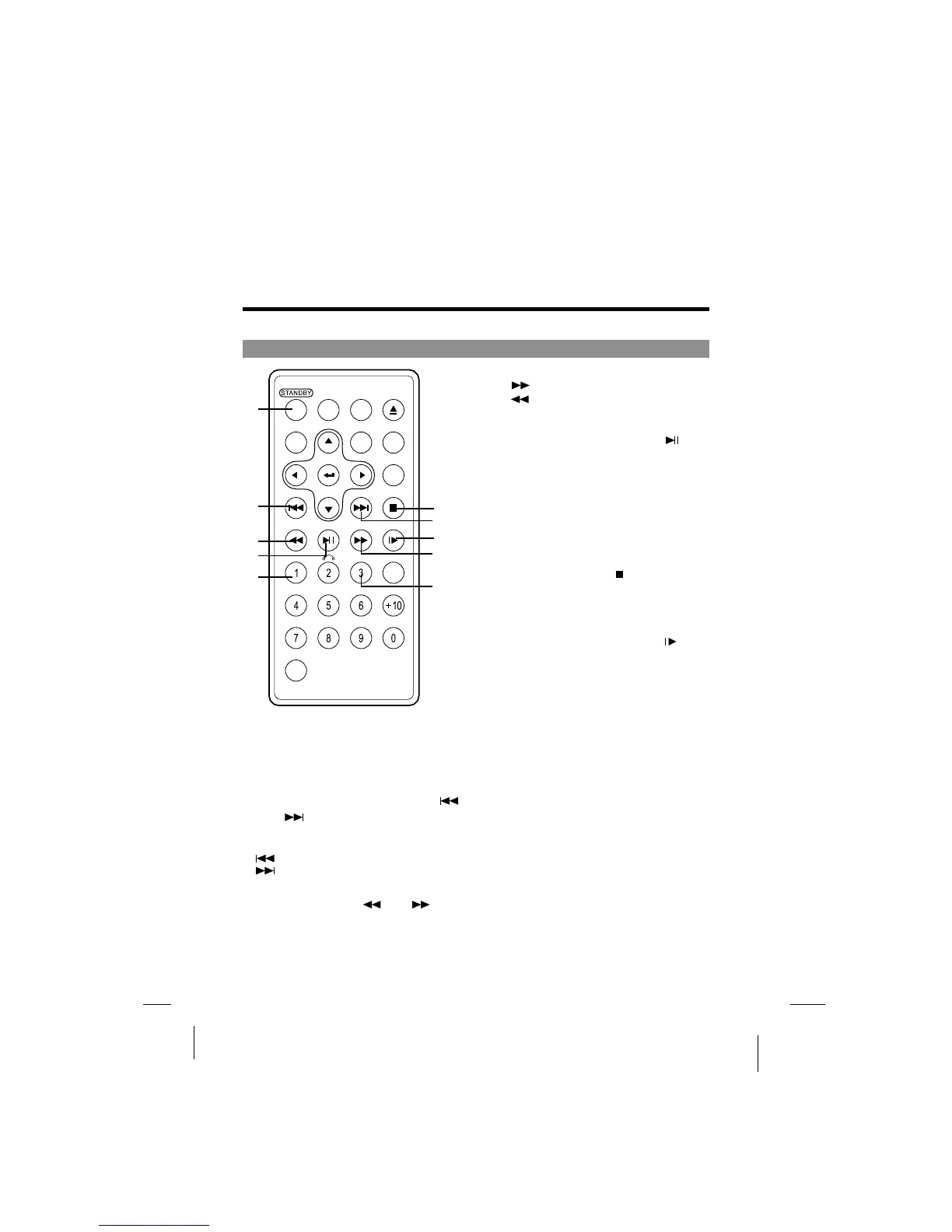
Remote control unit (frequently used buttons)
STANDBY button
PREVIOUS/NEXT button
and
Scan buttons and
1
2
3
1
2
3
(
(
(
(
(
(
Press this button to turn on or off
the power.
Use these buttons to search for the
beginnings of tracks or chapters.
: Backward direction
: Forward direction
Use these buttons to switch playing speed
of playing forward or backward.
Use this button to play or pause
playback.
4 PLAY/PAUSE button4 PLAY/PAUSE button
: Forward direction
: Backward direction
Press this button to display the
DVD's menu screen.
5 MENU button5
6 STOP button6
(
(
Press this button to stop playback.
7 STEP/SLOW buttons( )7
Press this button to slow playback at
1/2, 1/4,1/6,1/7 speed. If at pause
status, press this button to playback
step-by-step.
Press this button to display
the DVD's title.
TITLE button8
OPEN
FW
D
AUDIO SUBTITLE
OSD
ANG EL
SETUP
SEARCH
STOPNEXT
STEP/SLOWPLAY/PAUSEREV
SHIFT
C
MENU TITLE
ZOOM
PREV
CLEAR
A-BREPEAT
1
2
3
4
5
6
2
7
3
8
--19



 To Next Page