Advanced Functions
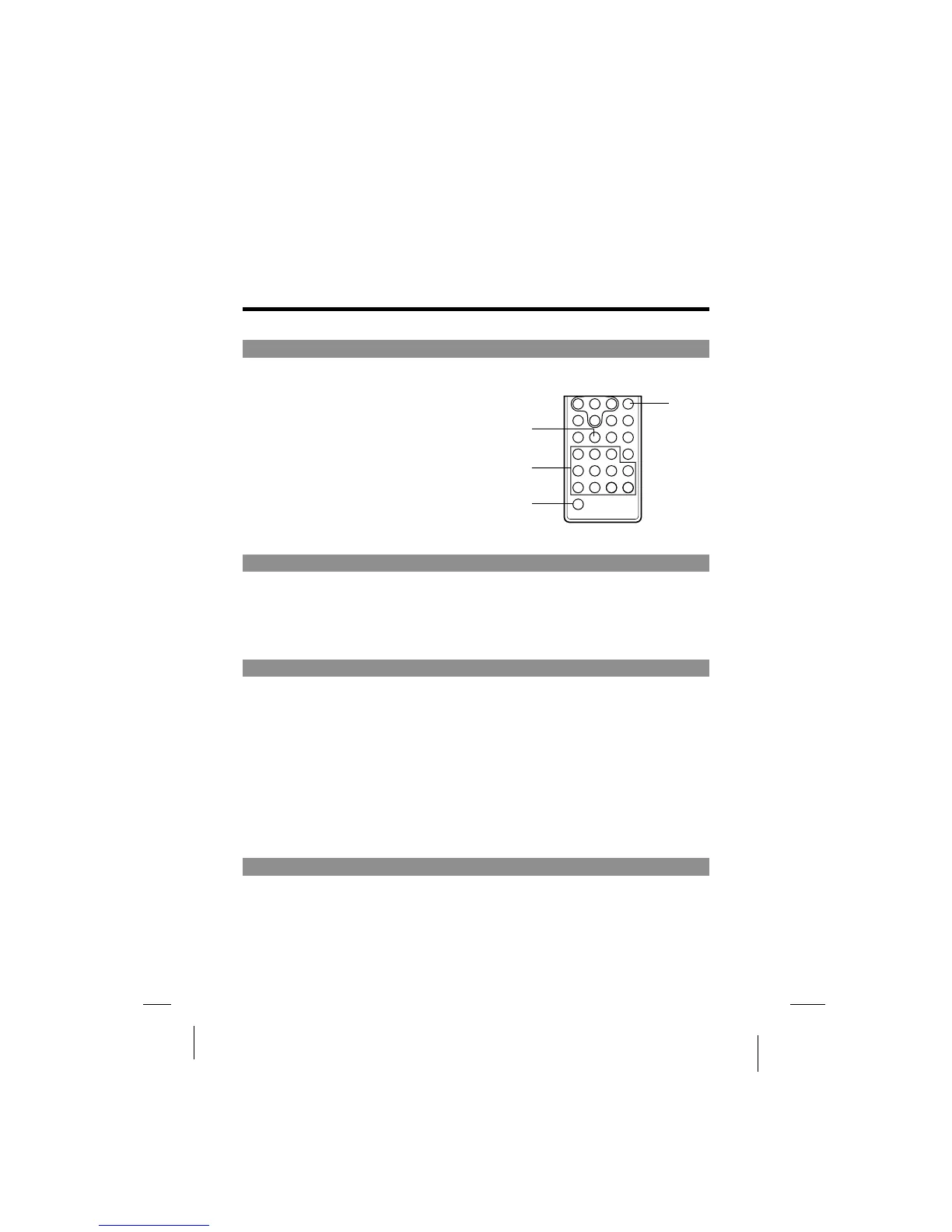
Searching for a specific scene
1
2
Press the SEARCH button.
Press the number button to input specific
time or title/chapter.
Press the PLAY button or ENTER button.
Playback starts from the specified position.
3
1
2
3
Viewing in slow motion (DVDs and video CDs)
Press the SLOW button during playback, the playback speed changes to 1/2, 1/4, 1/6 or
1/7 of the normal speed.
Repeating DVDs, video CDs and CDs
Repeat a Title, Chapter, or Track
Repeat a section between point A and B.
Press the REPEAT button.
Select the title, chapter, or track you want to repeat.
During playback, press A-B button on the remote control unit at the starting point of the
section you want to repeat. (point A)
Press A-B button again at the ending point of the section you want to repeat. (Point B)
The repeating starts.
Press A-B button again to cancel the A-B repeat function.
Selecting angle (multi-angle)
Press the ANGLE button while playing a scene with multiple angles.
If your DVD disc is not recorded with multiple angles, press ANGLE button will not have
function.
1
2
2
3
-36-



 To Next Page