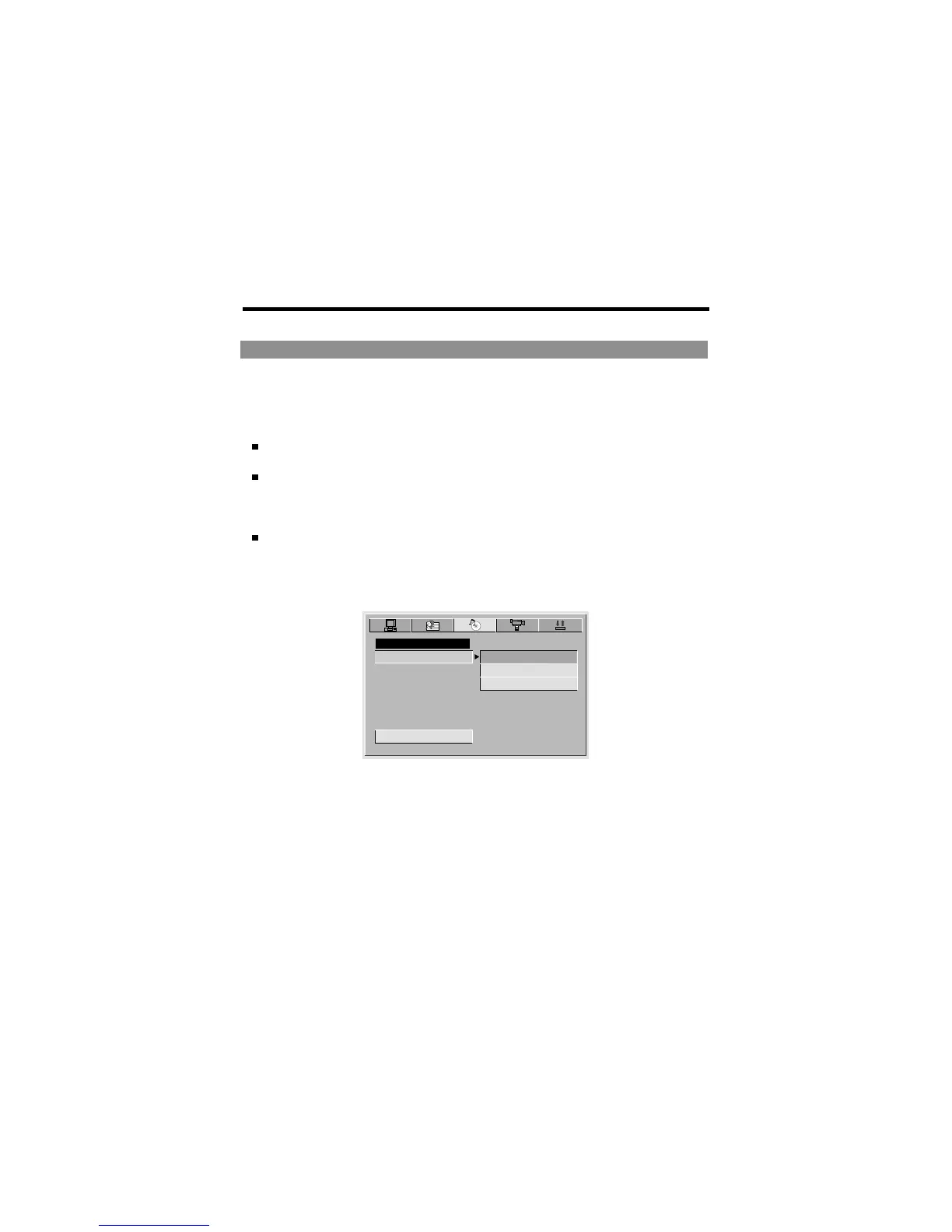
Audio Setup
AUDIO SETUP
EXIT SETUP
AUDIO OUT
SPDIF/RAW
SPDIF/PCM
SPDIF/OFF
Highlight the AUDIO OUT option, and press LEFT/RIGHT/UP/DOWN to choose
audio output mode you prefer. Press ENTER to confirm:
There are 3 optional audio output modes: SPDIF/OFF, SPDIF / RAW and SPDIF/
PCM.
SPDIF/OFF: Choose this setting to output analog signal, and no signal is
outputted from optical jack.
SPDIF/ RAW: Choose this setting if your DVD player is connected to a power
amplifier with a optical cable. When playing a disc recorded with Dolby Digital,
DTS and MPEG audio formats, the corresponding digital signals will be
outputted from the Optical Output jack.
SPDIF / PCM: Choose this setting if your DVD player is connected to a 2-
channel digital stereo amplifier. When playing a disc recorded with Dolby Digital
and MPEG audio formats, audio signals will be modulated into a 2-channel PCM
signal, and it will be outputted from the Optical Output jack .
AUDIO OUT
-44-



 To Next Page