Playback Functions
Playing
Load the disc.
1
One of the following messages appears on the screen:
DVD, VCD, CD.
For some discs, playback starts automatically when
the disc is slotted in.
For the disc which had been programmed and stored
in memories, playback starts automatically in the
programmed order.
2 Press the play/pause button.2
Playback starts.
For some discs, a menu screen appears. For video CDs, they are played according to
the instructions on the disc's menu screen which is called PBC (playback control).
Hint:
For video CDs, it is also possible to play a disc without displaying the menu screen.
For example, press 1 ( number button) while at STOP mode to play track 1.
For CDs, in order to save power, the screen display will be closed automatically if no
button is pressed for 1 minute during playing. Press any button to wake it up.
For DVDs with menu screen or video CDs with playback control (PBC), a menu screen
appears.
Use the cursor buttons ( ) to select the item, then press the ENTER
button.
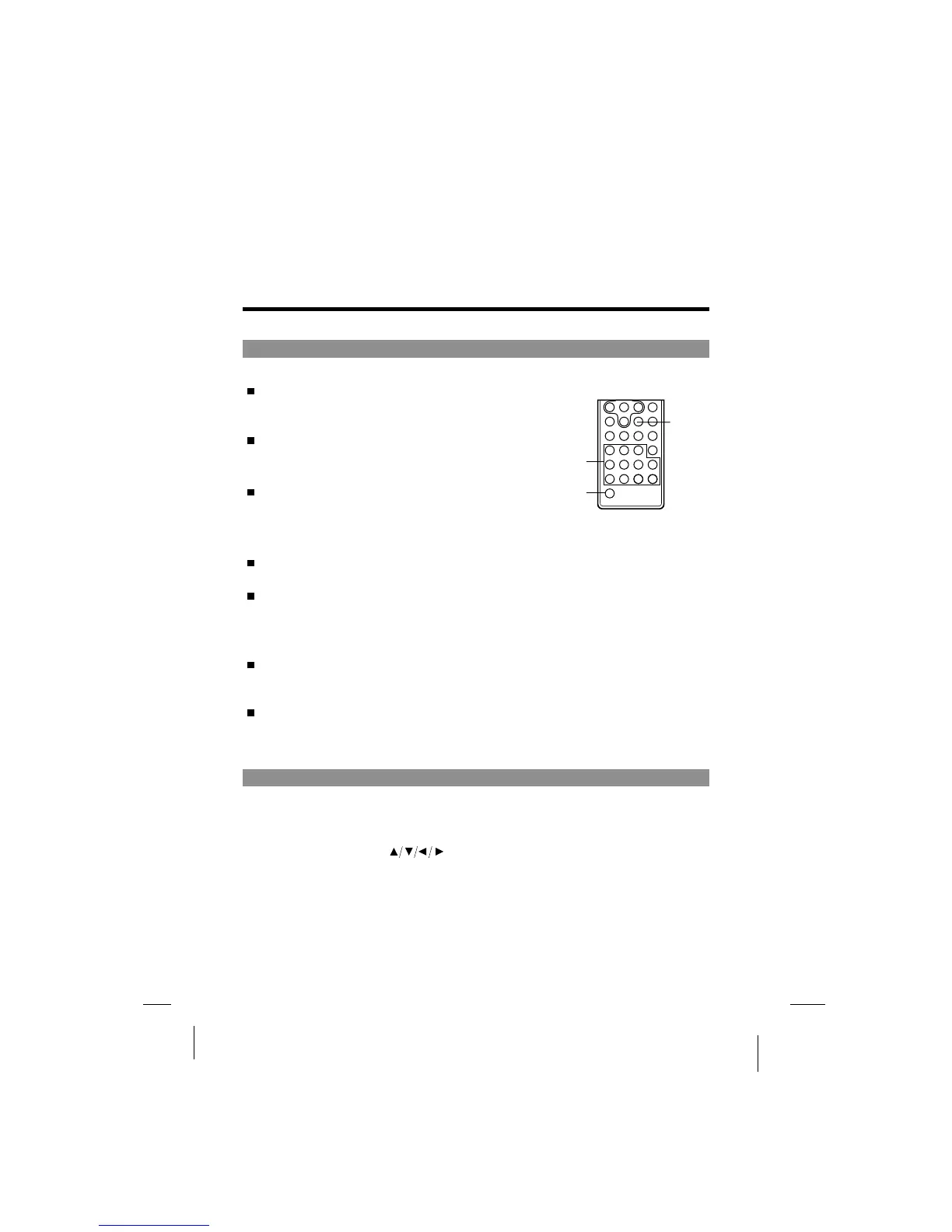
In order to use the number buttons on the remote control unit to select the item,
first press the SHIFT button until NUMBER is displayed on screen, then press
number buttons to select the item.
DVD
If a menu screen appears
Next
Number
buttons
Shift
-32-



 To Next Page