Playback Functions
Loading
2
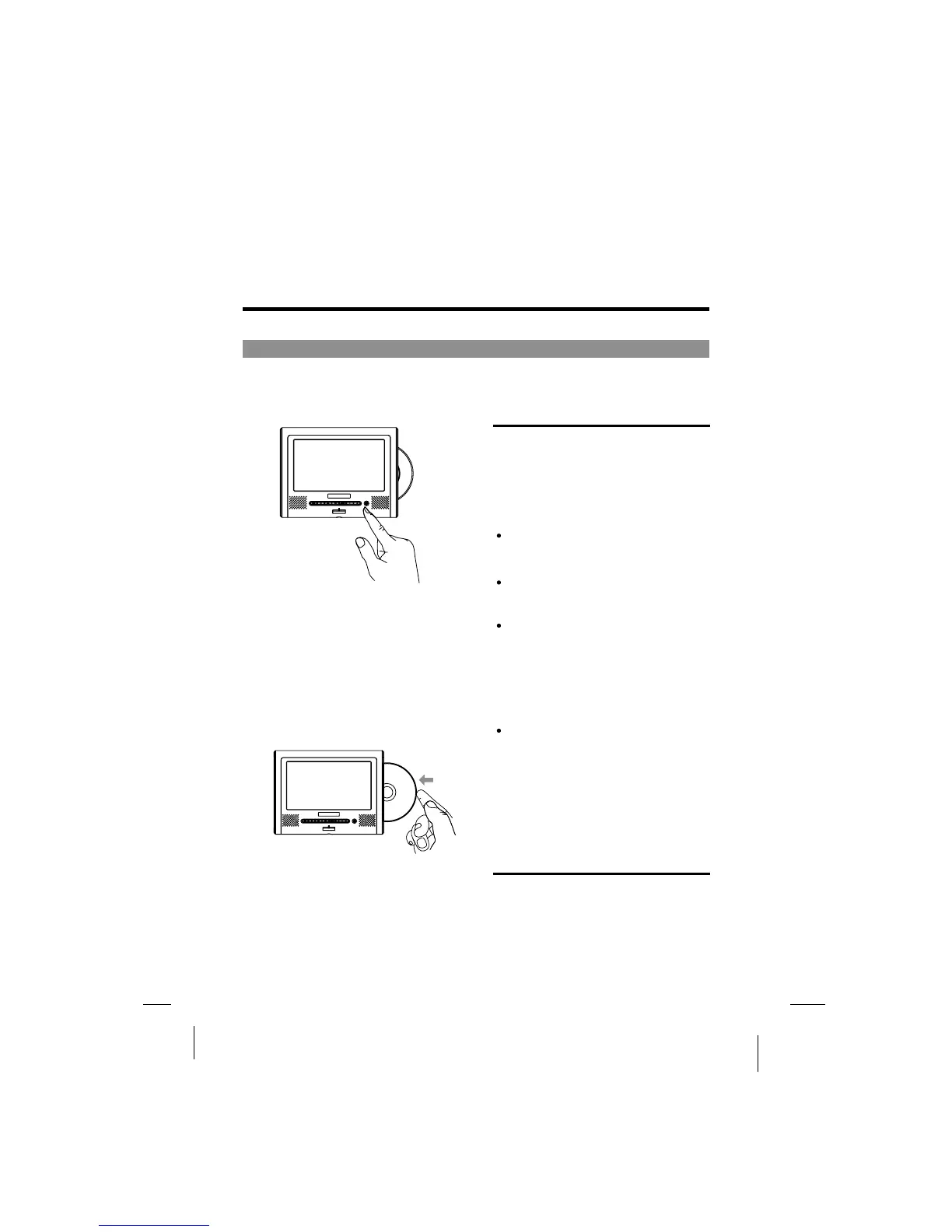
Press OPEN button to open.1
Set the disc securely. Failure to set it
securely could result in damage.
Do not use cracked or warped discs.
Doing so could result in damage.
Push single-sided DVDs or CDs in
with the label (printed) side facing
upwards.
For double-sided DVDs, check each
side carefully, then push the disc in
securely.
For CDs or one-sided DVDs, you do
not have to worry about touching the
label (printed) side of the disc with
your fingers. Since two-sided DVDs,
however, have signals recorded on
both sides, so be careful not to
scratch them when removing them
from the player.
Notes:
3 The player starts loading.
2 Pushthediscintodisc
window and the disc will be
slotted in automatically.
-31-
1
The disc will go out as figure 1 shows.
If no disc then nothing happens.



 To Next Page