33
v.12/2020
Step 5
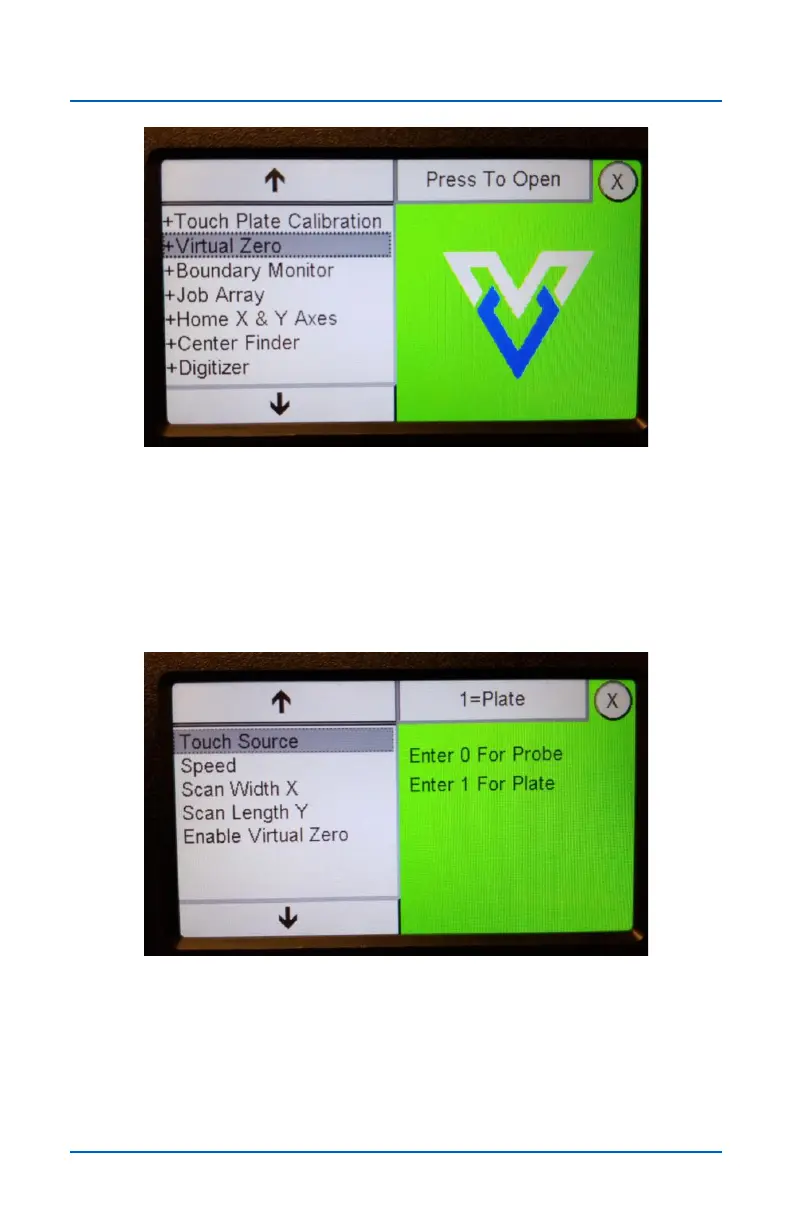
Open the Virtual Zero app on the Pendant and touch Press
To Open to open the Virtual Zero settings screen.
Step 6
Select your Touch Source. The Plate (touch plate) option is
commonly used because most SHARK owners already own
the touch plate, but the Probe (digital probe) also works well.
Press the field at the upper right to change the selection.
Virtual Zero (cont.)


 To Next Page