43
v.12/2020
Virtual Zero (cont.)
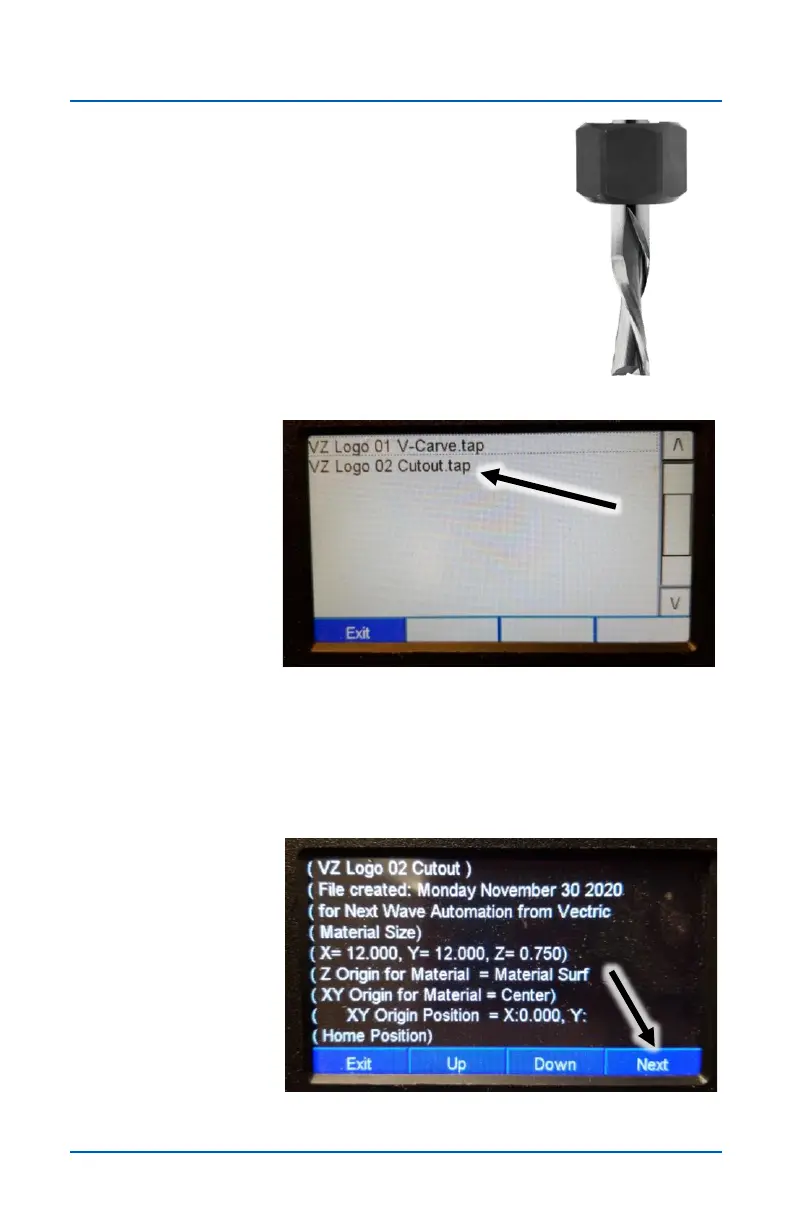
Step 20
Use the move buttons on the main screen as
needed and install the next bit. In this example
we’re using a 0.25-inch endmill bit for the next
toolpath.
Step 21
Select the next .tap file that you want to run for your project. In
this example, we’re using the VZ Logo 02 Cutout.tap file.
Step 22
Review the file information screen and click Next.


 To Next Page