42 Shark HD 500 Series User’s Manual
Virtual Zero (cont.)
Step 18
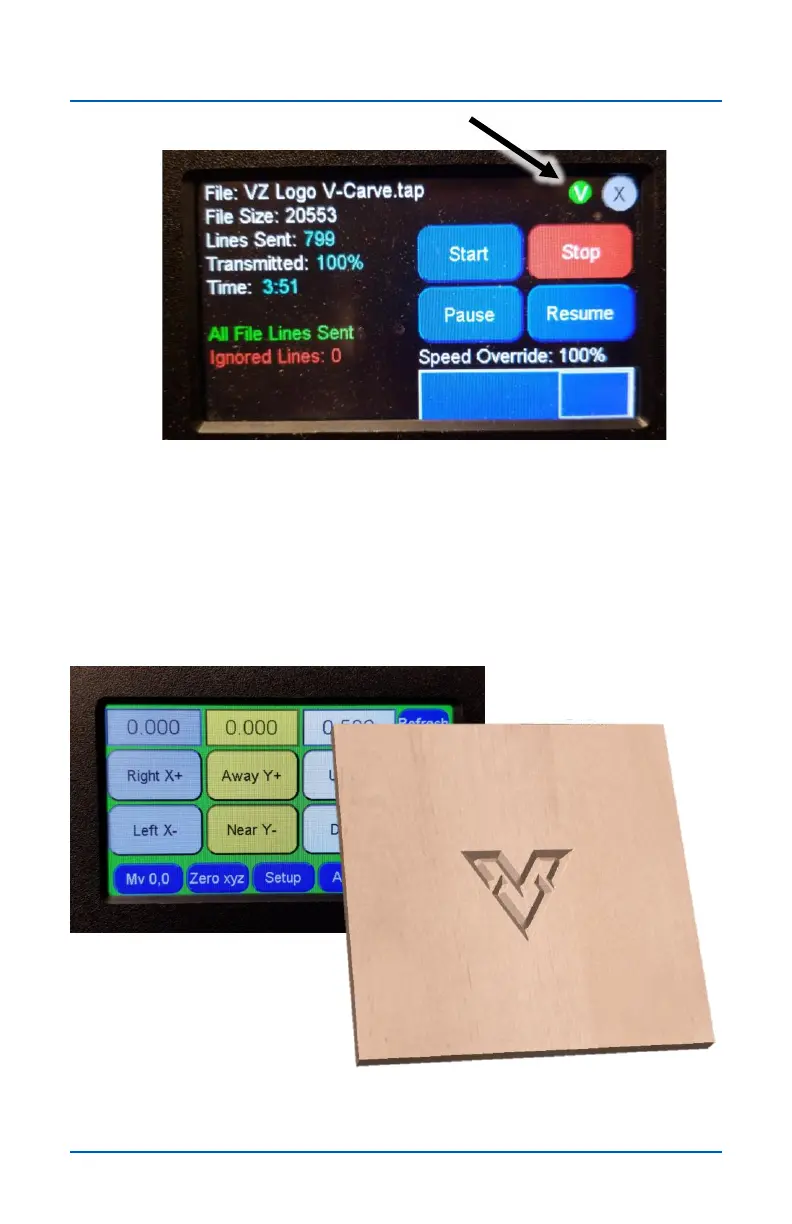
When the Start screen appears, run the file as usual. Notice
that a small green V appears in the top right corner of the
screen. This signifies that the file is using Virtual Zero.
After the first file is done running, press the X to return to main
screen.
Step 19
The first toolpath is now complete.


 To Next Page