52 Shark HD 500 Series User’s Manual
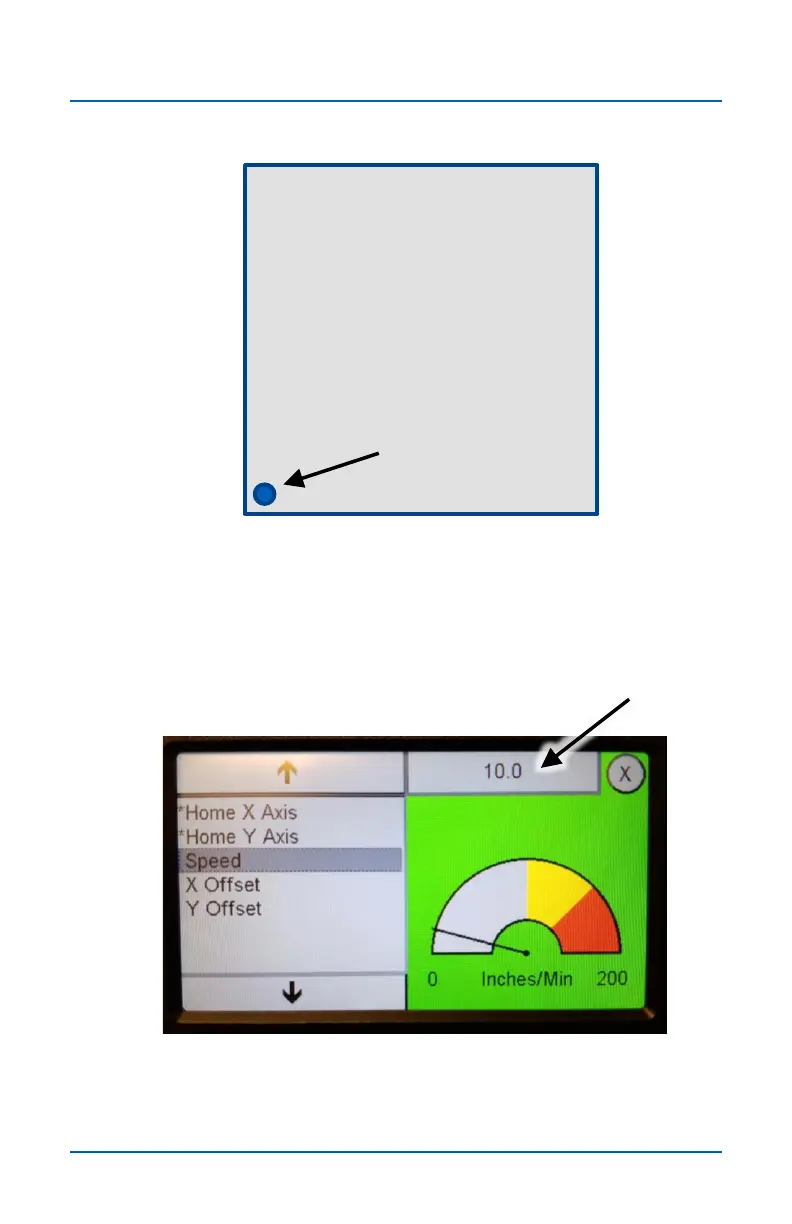
When the Homing routine completes, the Z axis (router bit) will
be centered over the Machine Home location and the Pendant
will read X0,Y0.
X0 , Y 0
Top view of Shark T-track table
Center of Z axis
(router bit)
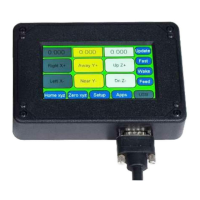
The default Speed setting of 10 works well, but it can be
adjusted by pressing the settings field at the top and entering a
different number.
Home X & Y Axes (cont.)


 To Next Page