12
Checking the Battery Level
1
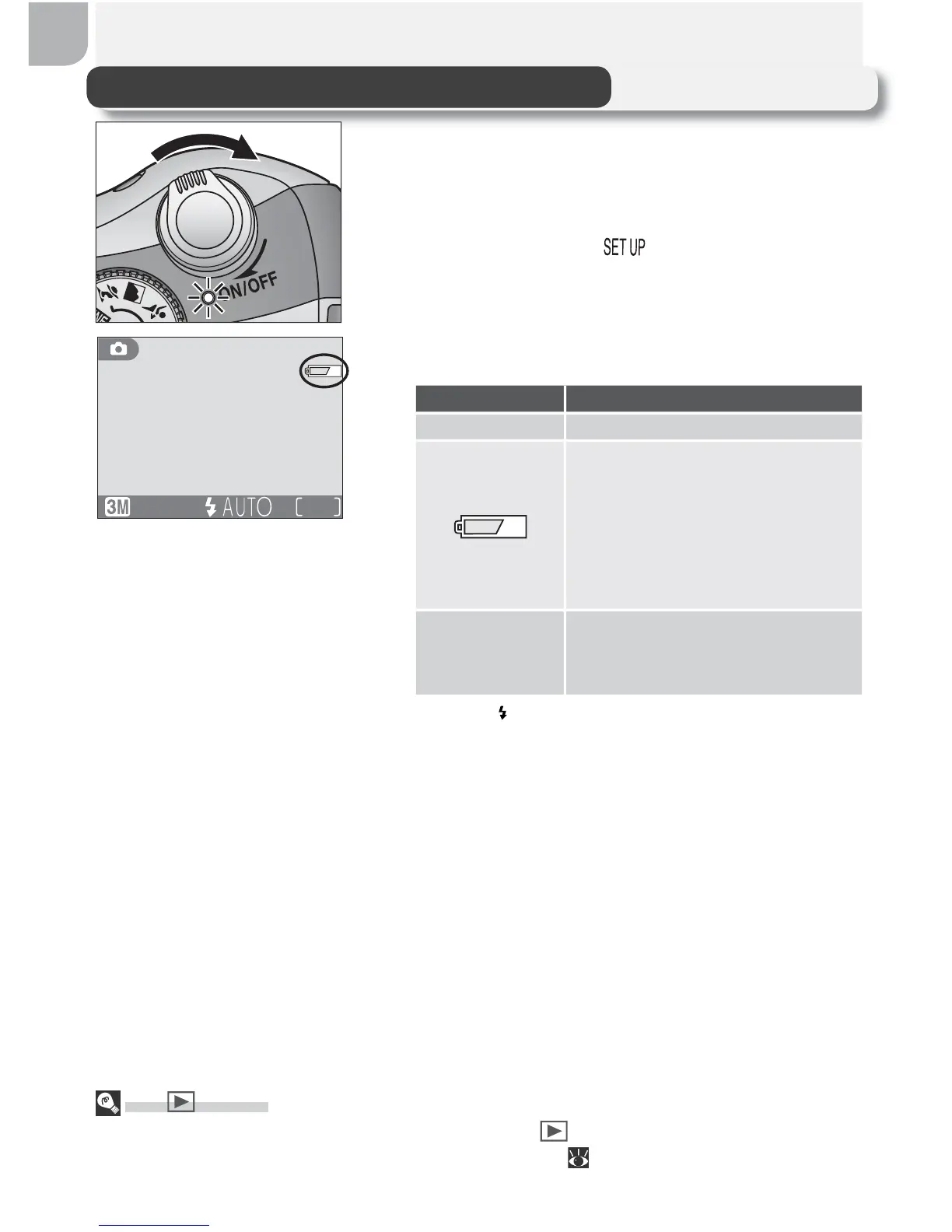
Turn the camera on
Rotate the power switch until it stops, then
gently release the switch. The power-on
lamp will light. Rotate the mode dial to a
setting other than .
The Button
The camera can also be turned on by pressing the button for about a second. Your
most recent picture will be displayed in the monitor ( 22).
19
2
Check the battery level in the monitor
Display Meaning
NO ICON Batteries fully charged.
Low battery. Fewer shots
can be taken consecutively
in “continuous” mode; if
fl ash fi res, monitor will turn
off while fl ash recharges.
Ready spare batteries.
WARNING ! !
BATTERY
EXHAUSTED
Batteries exhausted. Replace
with fully-charged batteries.
The red ( ) and green (AF) lamps will blink when
the “battery exhausted” warning is displayed.



 To Next Page
 Loading...










