79
Press the multi selector up or down to increase
or decrease the brightness of the monitor by
moving the arrow to the left of the display up
or down. Press the multi selector left or right to
return to the setup menu.
e
sounds played when an error occurs or when
you turn the camera or monitor on, select a new
mode, make a selection from menus, or release
the shutter.
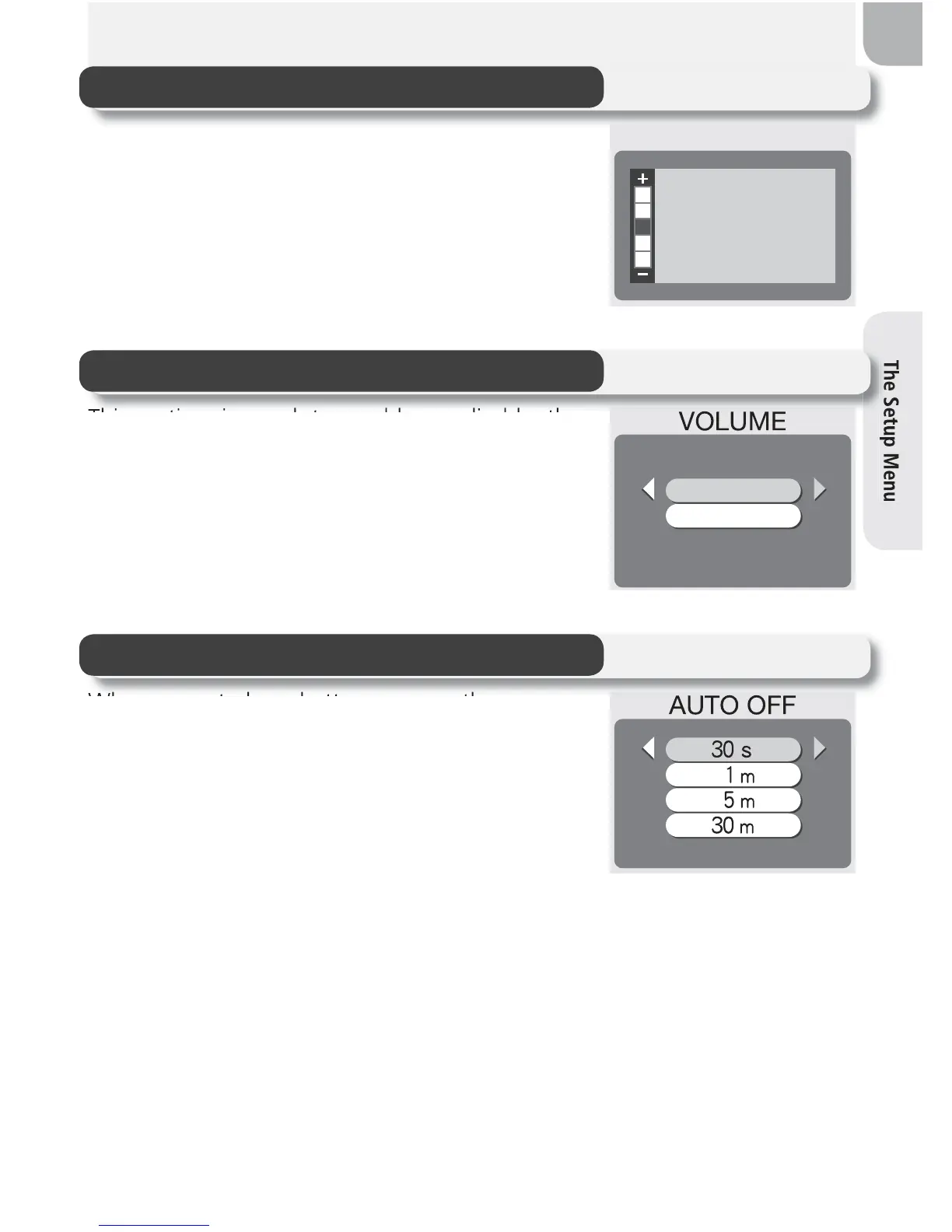
e camera
will enter standby mode if no operations are
performed for the length of time selected in the
AUTO OFF menu. Choose from thirty seconds
(30 s, the default setting), one minute (1 m), fi ve
minutes (5 m), or thirty minutes (30 m). Regard-
less of the option chosen in the AUTO OFF menu,
the monitor will remain on for three minutes
when menus are displayed. When powered by an AC adapter, the camera
will enter standby mode if no operations are performed for thirty minutes.
BRIGHTNESS
On
Off
SET
SET
Brightness
Volume
Auto Off



 To Next Page
 Loading...










