99
Basic Camera Setup: The Setup Menu
Shooting, Playback, and Setup Menus
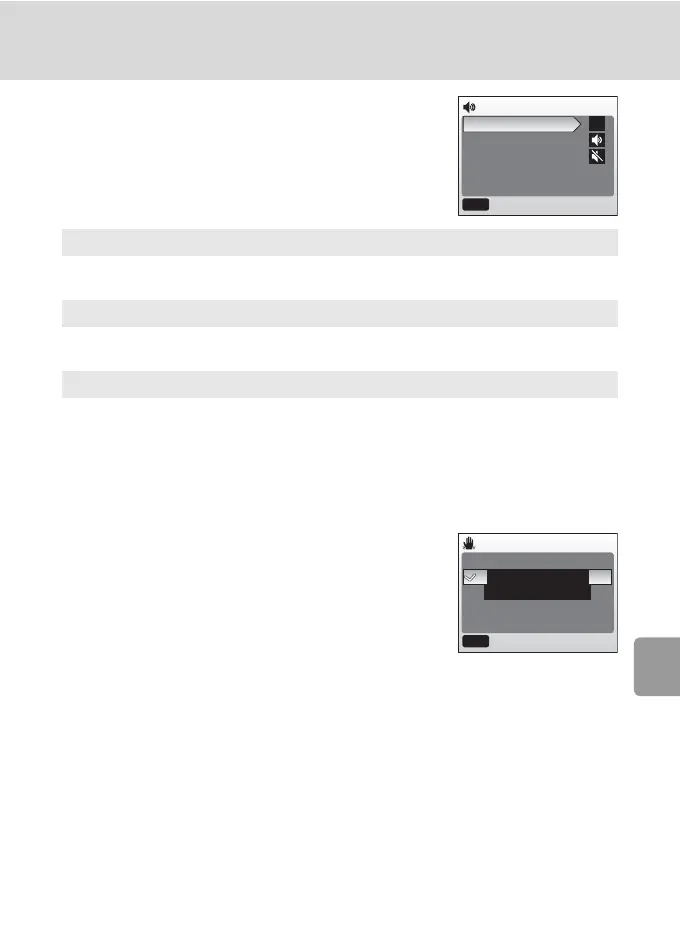
h Sound Settings
Adjust the following sound settings:
h Blur Warning
Choose whether or not the blur warning is dis-
played (c 25). Note that the warning may not
always be displayed (c 116).
At default setting, blur warning is [On].
Button sound
When [On] (default setting) is selected, beep will sound once when operations
are completed successfully, three times when error is detected.
Shutter sound
Choose volume of shutter sound from [Loud], [Normal] (default setting), and
[Off].
Start-up sound
Choose volume of sound that plays when camera is turned on from [Loud],
[Normal], and [Off] (default setting).
Sound settings
Button sound
Shutter sound
Start-up sound
MENU
Exit
ON
Blur warning
On
Off
MENU
Exit



 To Next Page
 Loading...










