79
Shooting Options: The Shooting Menu
Shooting, Playback, and Setup Menus
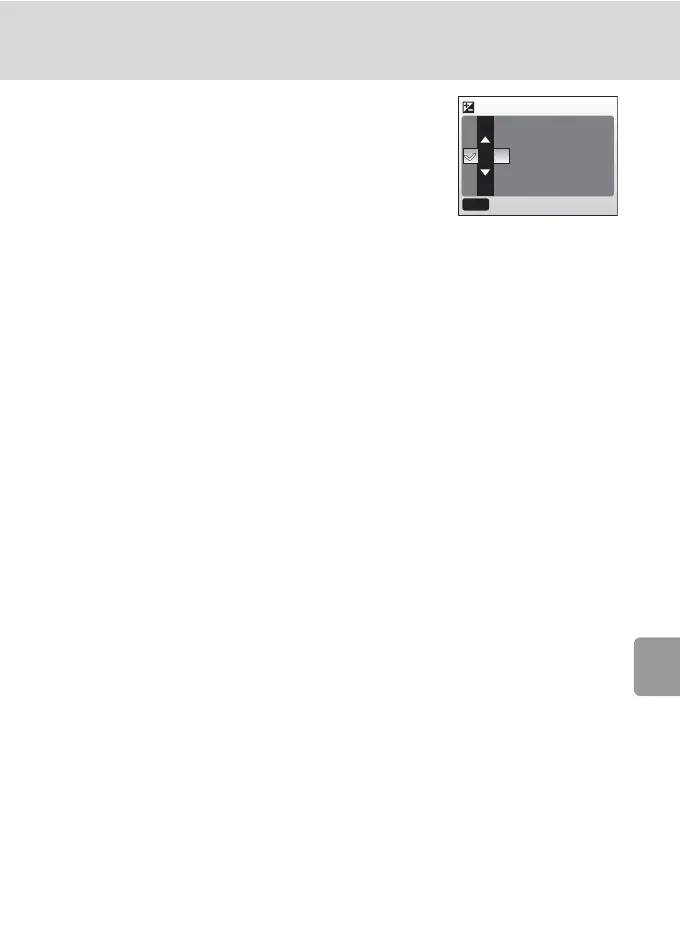
I Exp. +/-
The EXP. +/- (exposure compensation) menu is
used to adjust the exposure for very dark or very
bright subjects. Exposure can be adjusted in the
range -2.0 to +2.0 EV. When the exposure com-
pensation is altered, the new setting is reflected in
the picture in the monitor.
• When the picture is very dark: choose positive values.
• When the picture is very bright: choose negative values.
At settings other than 0, exposure compensation is shown in the monitor
(c 6).
+0.3
-0.3
0
Exp. +/-
MENU
Exit



 To Next Page
 Loading...










