66
Connecting to Televisions, Computers, and Printers
Connecting to a Printer
Users of PictBridge-compatible (c 121) printers can connect the camera
directly to the printer and print pictures without using a computer.
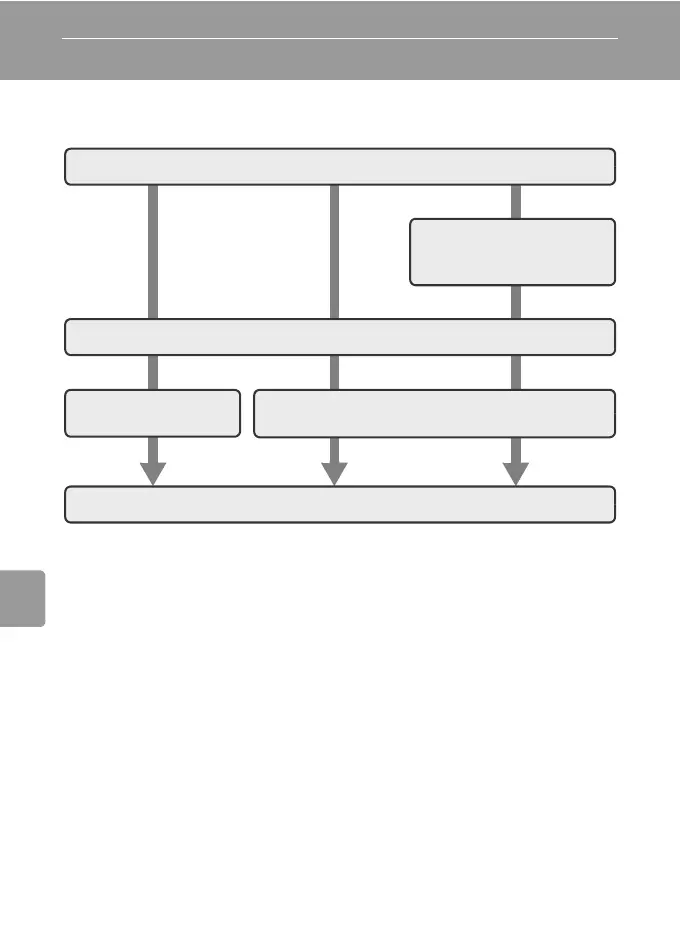
Take pictures
Select pictures for print-
ing using [Print set] option
(c 72)
Connecting the camera and printer (c 67)
Print pictures one at
a time (c 68)
Print multiple pictures (c 69)
Turn camera off and disconnect USB cable



 To Next Page
 Loading...










