80
Shooting Options: The Shooting Menu
Shooting, Playback, and Setup Menus
q Continuous
Capture a fleeting expression on a portrait subject,
photograph a subject that is moving unpredictably,
or capture motion in a series of pictures. At setting
other than [Single], focus, Exp. +/- and white bal-
ance for all photos are determined by the first pic-
ture in each series.
The indicator for the current setting is displayed in the monitor (c 6). When
[Single] is selected, no indicator is displayed in the monitor.
r Single (default setting)
One shot is taken each time the shutter-release button is pressed.
q Continuous
While the shutter-release button is pressed, camera takes pictures at up to 1.7
frames per second. COOLPIX L6 can take up to 10 pictures at a time at image-
mode setting of [c Normal (2816)].
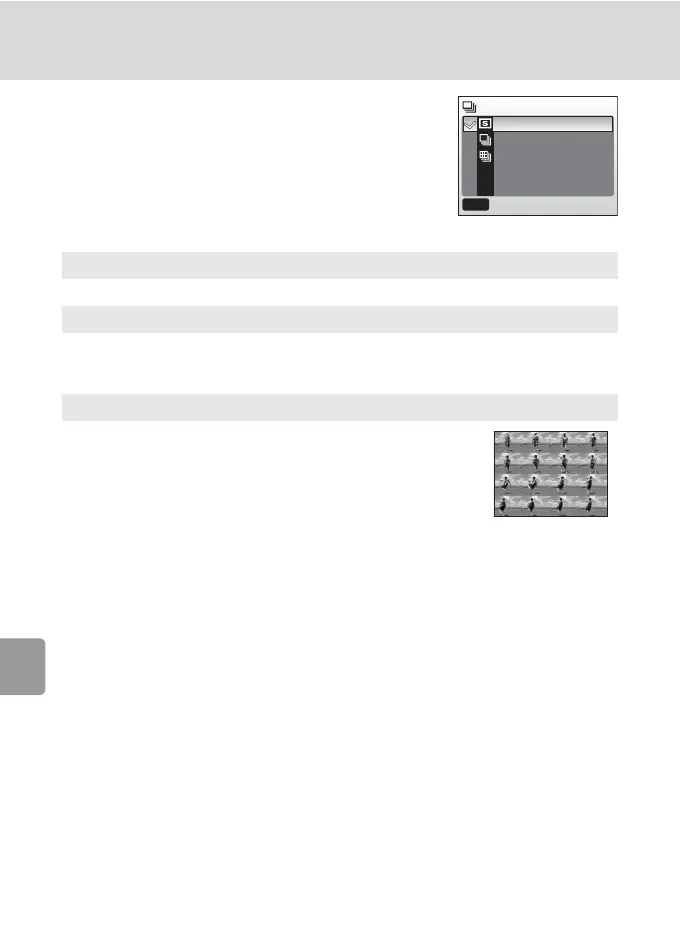
w Multi-shot 16
Each time the shutter-release button is pressed, camera
takes 16 shots at about 2 frames per second and arrange
them in a single picture (cNormal: 2,816 × 2,112 pixels)
as shown at right.
Continuous
Single
Continuous
Multi-shot 16
MENU
Exit



 To Next Page
 Loading...










