24
Basic Photography
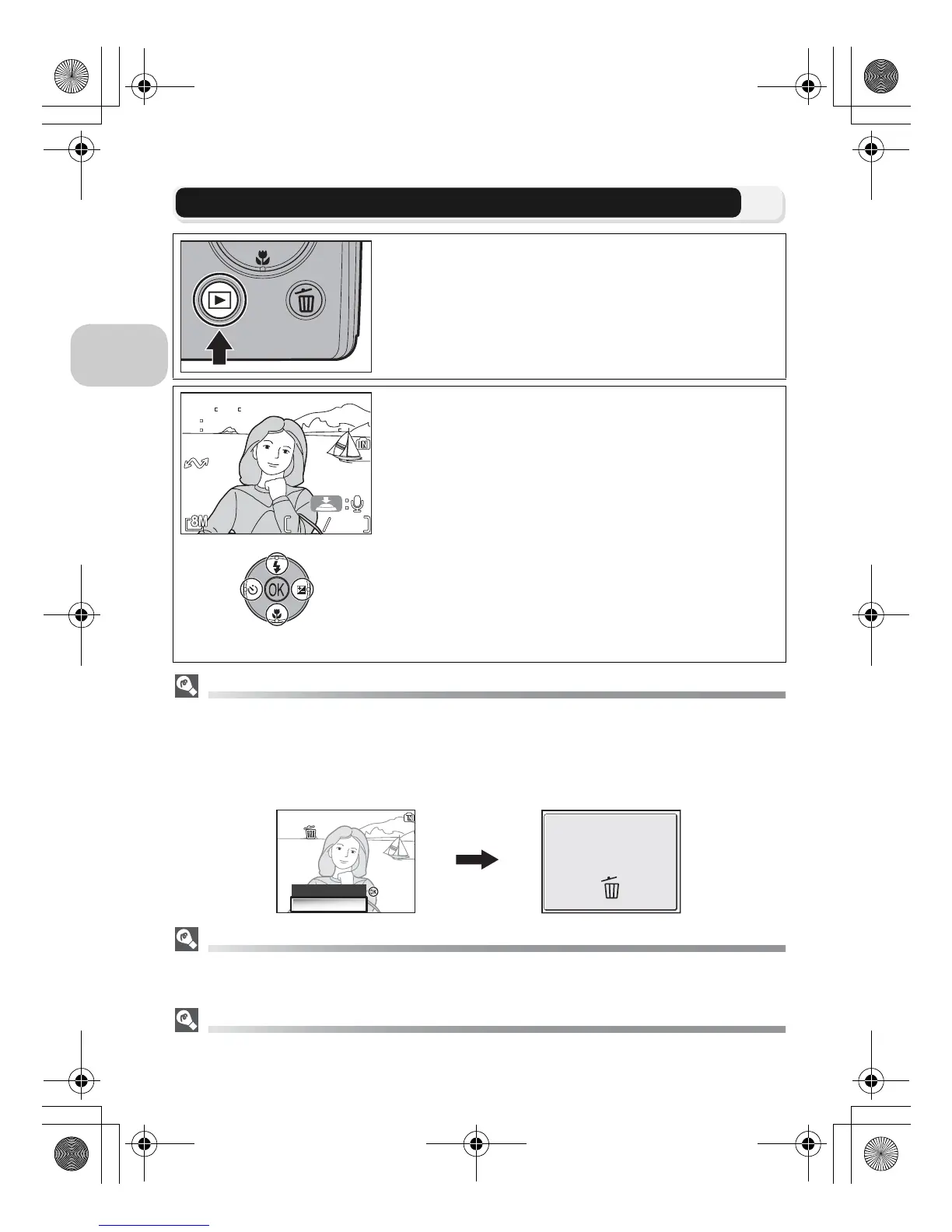
Step 4–View the Results (Full-screen Playback)
Deleting Unwanted Pictures
During Shooting mode or Playback mode, pressing A displays the delete confirmation dialog
(except when a menu is displayed). Highlight Yes and press d to delete the currently dis-
played picture and return to Shooting mode or Playback mode.
• Highlight No and press d to return to Shooting screen or Playback screen without delet-
ing the picture.
The i Button
Pressing the i button for about one second will turn the camera on (Auto off is unavail-
able.). Press again to return to the mode selected with the mode dial.
More About Playback
For more information on playback, see “More on Playback” (c55 - 75).
1
Press the i button
2
View pictures in the monitor
• This mode is called “Full-screen playback.”
•
To view additional pictures, press multi selector
down or right to view pictures in the order
recorded, up or left to view pictures in reverse order.
• Pictures are displayed briefly at low resolution
while being read from the memory or a memory
card. This makes it possible to scroll rapidly
through the pictures in the memory or a mem-
ory card without waiting for each image to be
displayed at full resolution.
To cancel Full-screen playback and return to the
Auto shooting mode, press the i button again.















 To Next Page