28
More on Photography
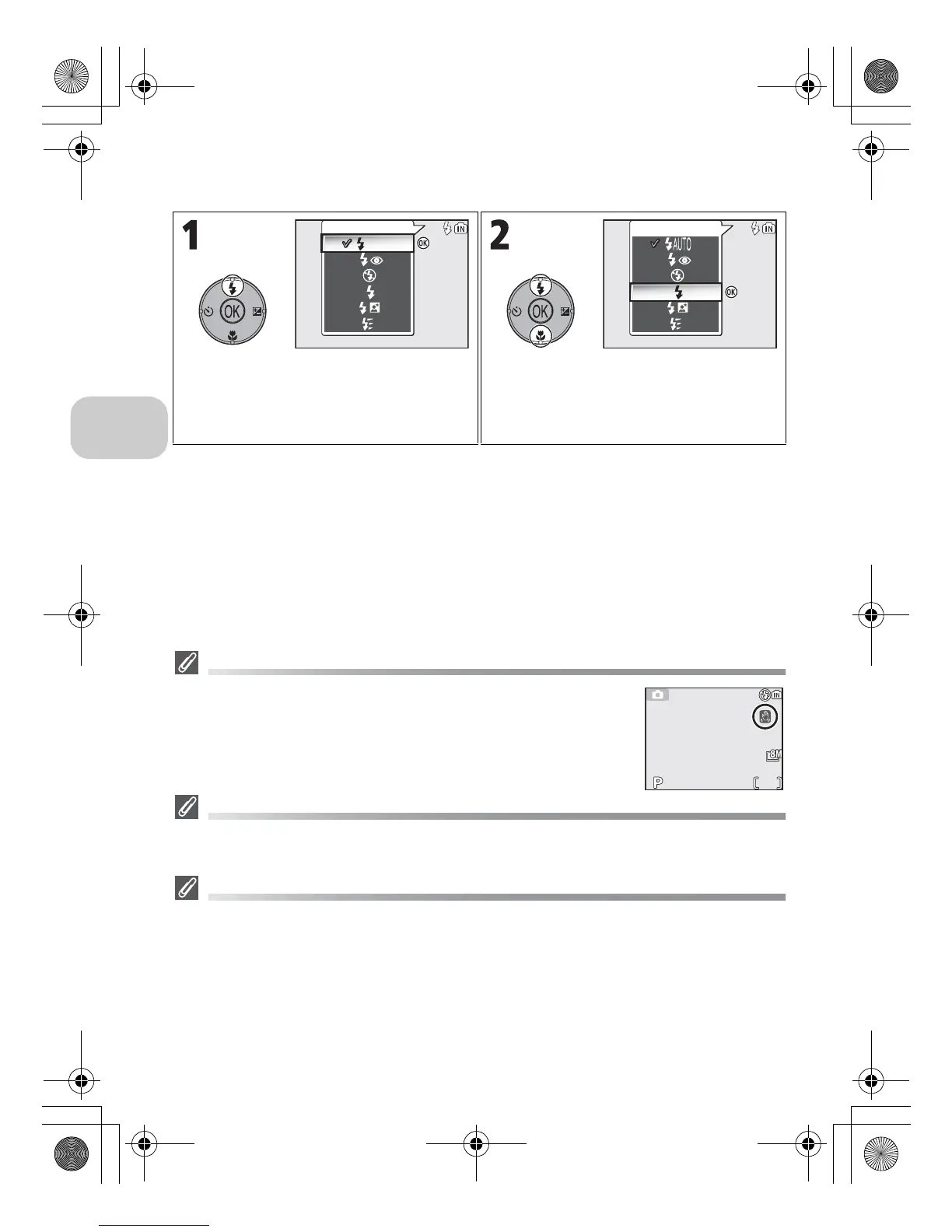
To choose the flash mode:
The J (Camera Shake) Icon
When lighting is poor and the Flash is off (B), shutter speeds will
slow and pictures may be blurred. If the shutter speed required for
exposure is very slow, the J (camera shake) icon will appear in the
monitor as a warning. Use of a tripod or support is recommended.
Using the Built-In Flash
Light from the flash reflected from particles of dust or other matter in the air may appear in
pictures as bright specks. If this occurs, turn the flash off or zoom in and try again.
Flash Mode Selection
Flash mode is not available in the following cases:
• When taking pictures using s Continuous H, u Continuous L, x Ultra HS, or
y 5 shot buffer (c89)
• BSS is set to On (c92).
• Auto bracketing is set to C Auto bracketing (c93).
• Taking a picture in some scene modes (c34 - 44).
• Taking a picture when Focus mode is set to w (Infinity mode) (c31).
• Recording a movie other than Time-lapse movie (c81).
Display Flash menu. Highlight desired mode and press d.
Flash mode is displayed in monitor (to exit
without changing mode, wait two sec-
onds without pressing d).















 To Next Page