65
Playback Features
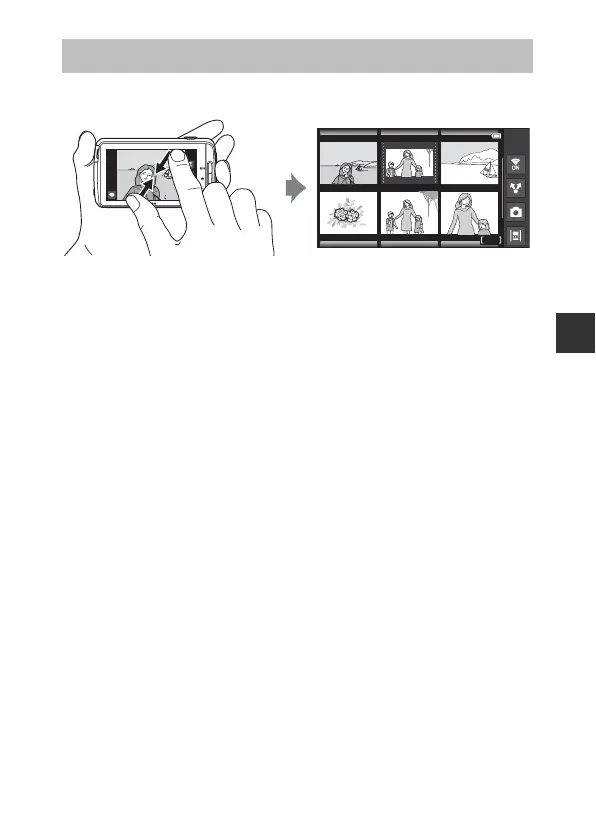
Pinch two fingers together in full-frame playback mode (A26) to display
images as thumbnails.
• You can also display thumbnails by moving the zoom control toward f
(h).
• The number of thumbnails displayed changes as your fingers move
(spreading apart or pinching together). You can also change the number of
thumbnails by moving the zoom control (g (i)/f (h)).
• Drag the monitor up or down to scroll through the images.
• While using image thumbnail playback mode, tap an image to display it in
full-frame playback mode.
Thumbnail Playback
15/11/2013 15:30
15/11/2013 15:30
0004. JPG
0004. JPG
4
4
/
12
12
Image thumbnail display



 To Next Page
 Loading...











