8
Note
A B
First Steps: Set the Time and Date
3 Set the Time and Date
The D1 records the time and date for each photograph taken. Before
using your camera, set the internal clock-calendar to the current time
and date.
3
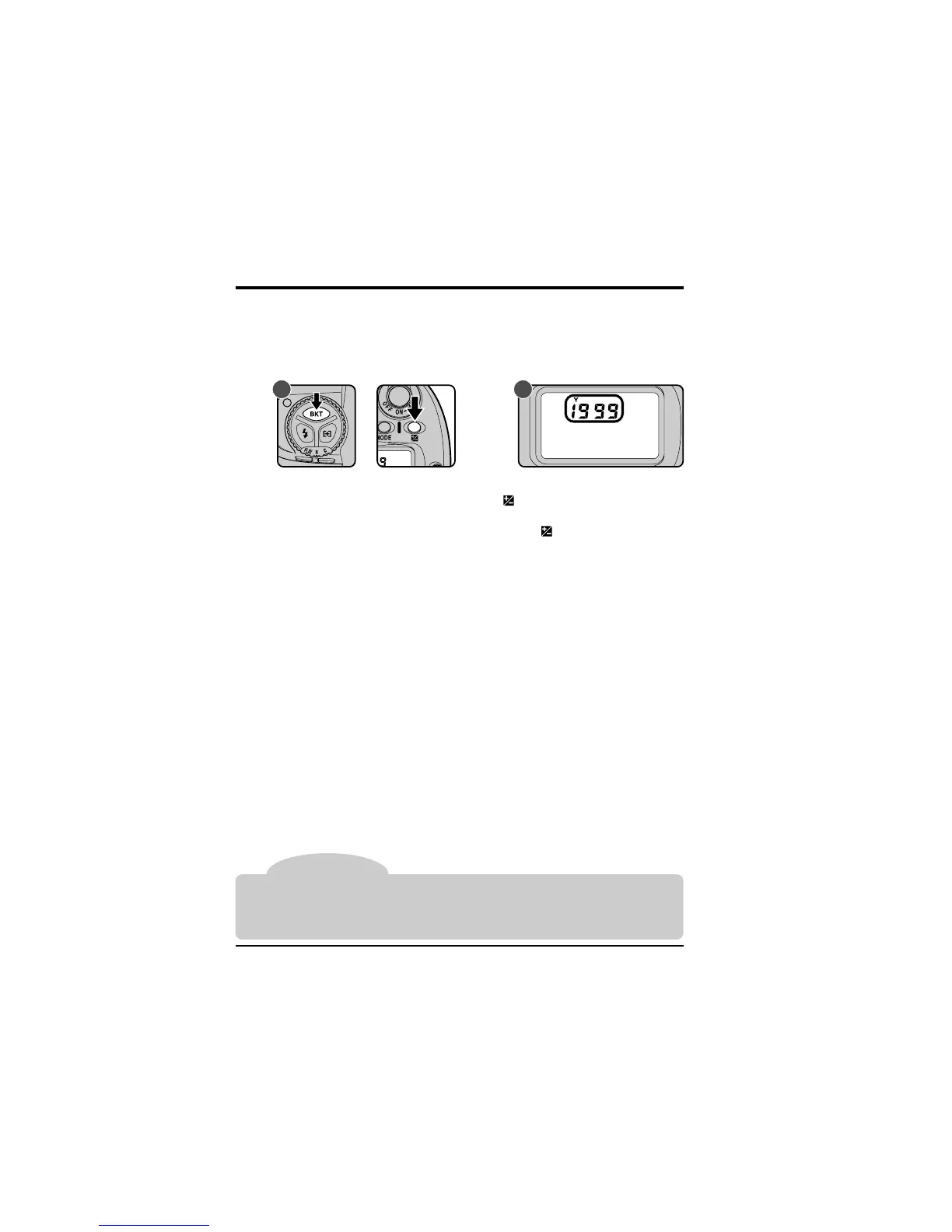
.1 Check the time and date in the control panel
After turning the camera on, press the auto-bracketing button (BKT)
and exposure compensation button ( ) simultaneously. The year
indicator will be displayed in the control panel on top of the camera (B).
Press the exposure-compensation button (
) once to display the
month and day, a second time to display the hour and minute. Pressing
the button a third time will clear the time and date from the display).
The clock-calendar is powered by an independent battery with a life of about ten years.
When no charge remains, the clock-battery replacement indicator will appear in the
control panel on top of the camera. Take the camera to a Nikon-authorized service
center, where the clock battery can be replaced for a fee.



 To Next Page