63
Diopter Adjustment
The viewfinder is equipped with diopter adjustment to accommodate individual
differences in vision.
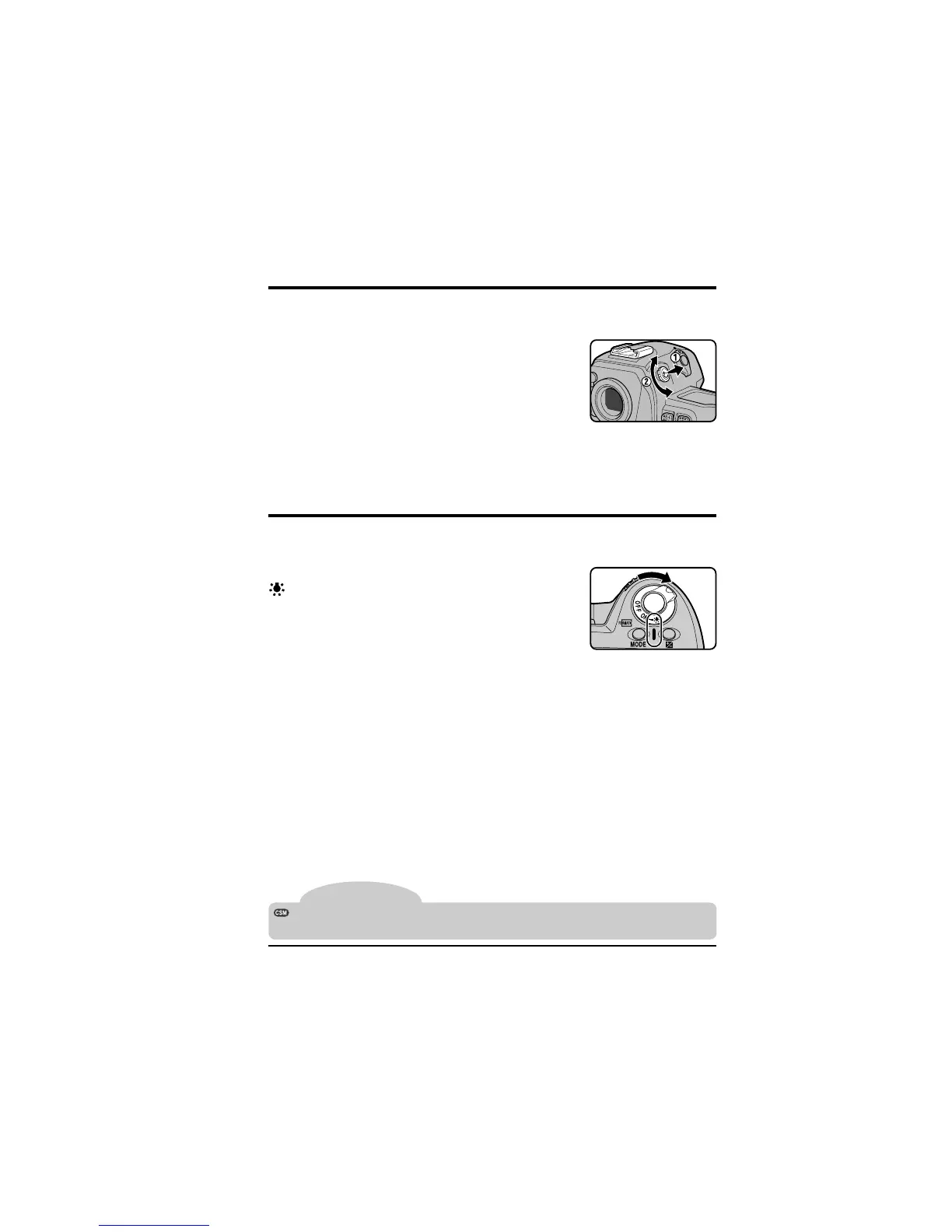
Pull the diopter knob out and rotate it until the focus
brackets in the viewfinder are in sharp focus. Diopter
can be adjusted between –3 DP and +1 DP. Corrective
lenses (available separately) allow diopter to be ad-
justed between –5 DP and + 3 DP.
Tip
✔
Important:
Be careful not to accidently put your finger in your eye when
operating the diopter dial.
LCD Illuminator
The rear control panel and the control panel on top of the camera are equipped
with an illuminator so that you can view camera settings in the dark.
To turn the illuminator on, rotate the power switch to
. The illuminator will remain on while the switch is
held in this position. After the switch is released, the
illuminator will remain on while exposure indicators are
displayed, or until the shutter is released.
Camera Settings: Diopter Adjustment/LCD Illuminator
The illuminator can be set to turn on when any button is pressed. See “Custom
Settings,” item 17.



 To Next Page