10
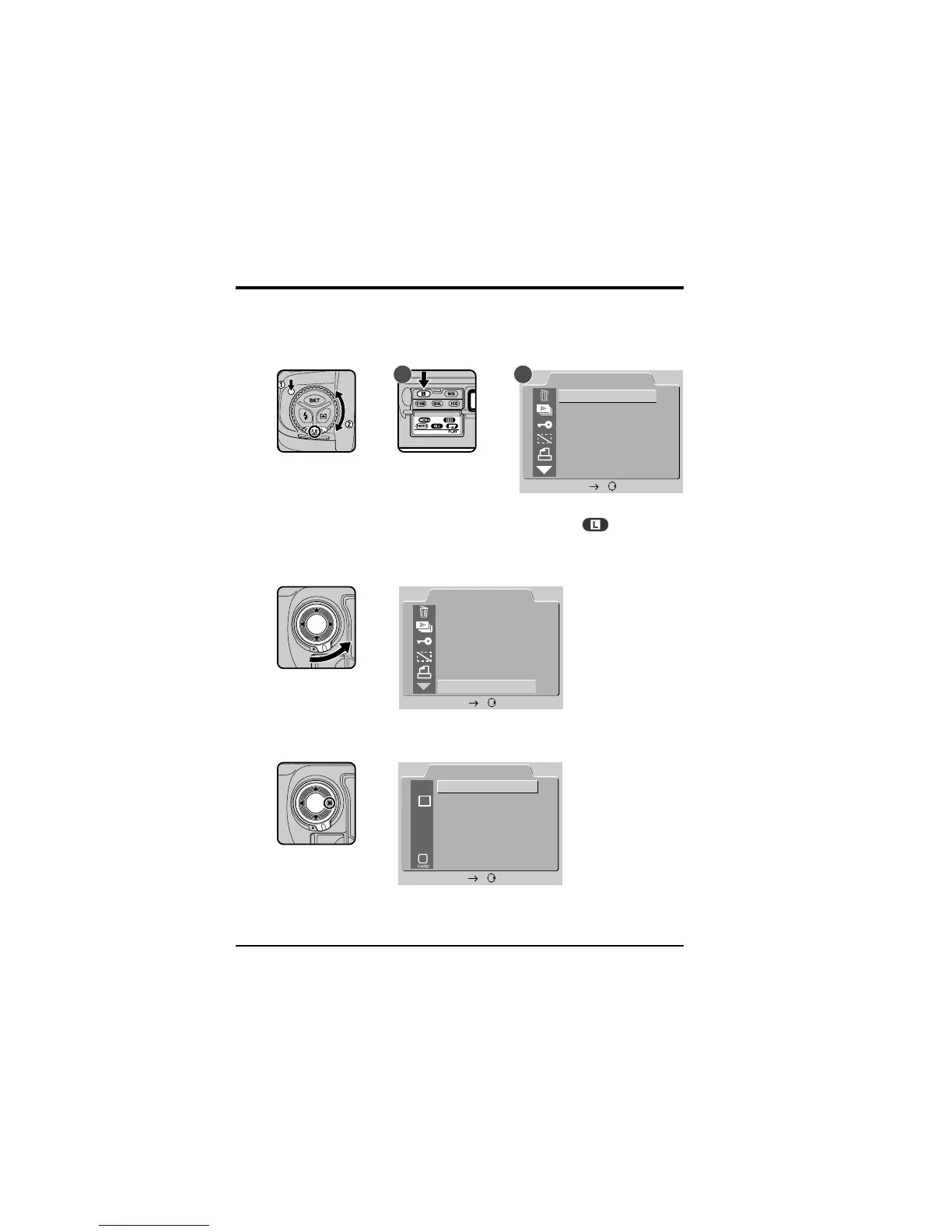
4 Choose a Language for the Menus
Camera menus and messages can be displayed in English, German,
French, or Japanese. To select the language used:
4
.1 Display the playback menu
PLAY BACK
DELETE
SLIDE SHOW
PROTECT
HIDE IMAGE
PRINT SET
SET UP
SET
A B
Holding the mode dial lock-release down, turn the mode dial to PLAY
(playback mode). Turn the camera on and press the
button (A) to
display the playback menu (B).
4
.2 Choose SET UP from the playback menu
PLAY BACK
DELETE
SLIDE SHOW
PROTECT
HIDE IMAGE
PRINT SET
SET UP
SET
Unlock the focus-area selector and press ▼ until SET UP is highlighted.
Press the focus-area selector to the right to display the SET UP menu.
SET UP
FOLDERS
D1
20S
E
N
OPTIONS
AUTO OFF
LANGUAGE
VIDEO OUTPUT
CARDFORMAT
SET
First Steps: Choose a Language for the Menus



 To Next Page