11
4
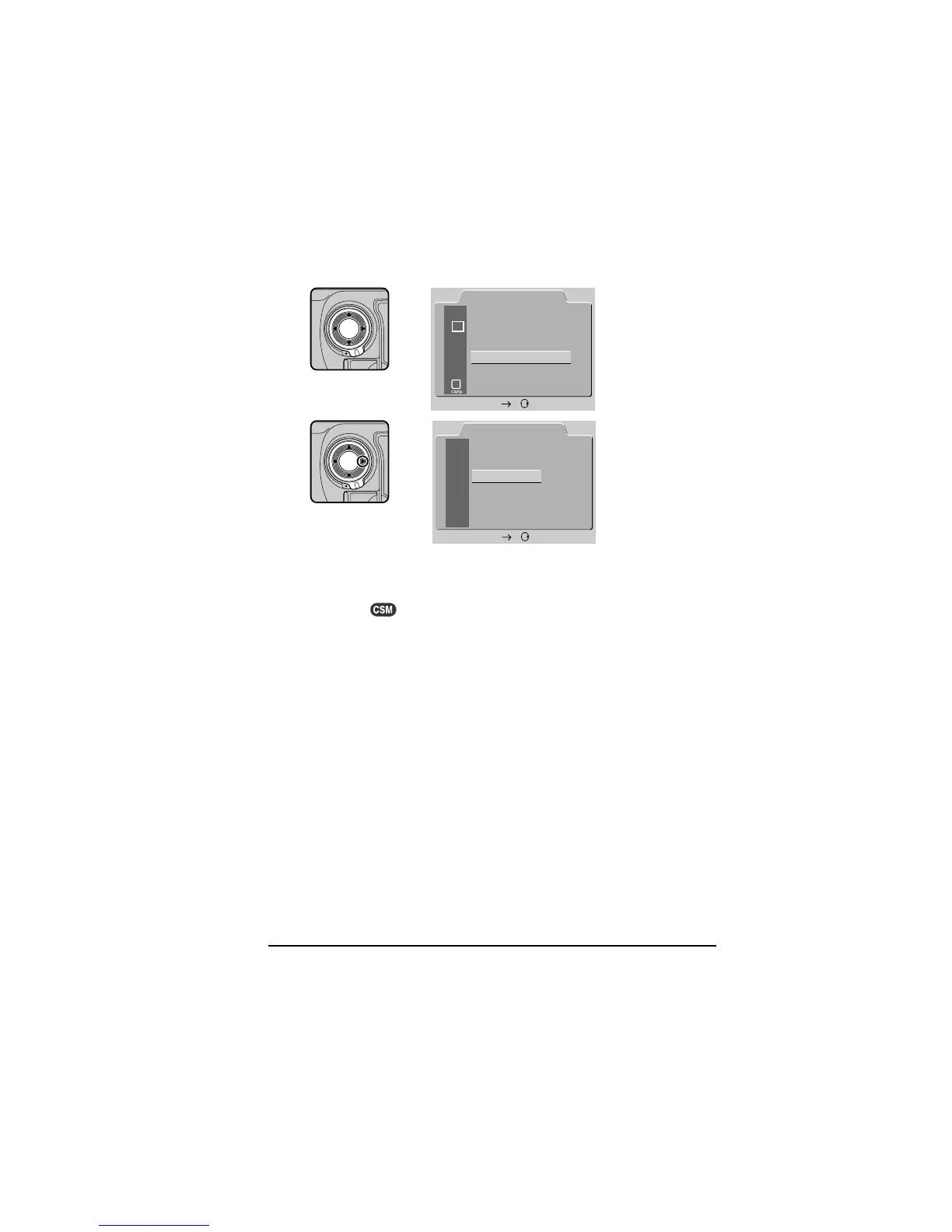
.3 Choose a language from the LANGUAGE menu
SET UP
FOLDERS
D1
E
N
OPTIONS
AUTO OFF
LANGUAGE
VIDEO OUTPUT
CARDFORMAT
SET
20S
LANGUAGE
DEUTSCH
ENGLISH
FRANÇAIS
日本語
SET
D
E
F
J
Using the focus-area selector, highlight LANGUAGE and press the
selector to the right to display the LANGUAGE menu. Highlight the
desired language and press the focus-area selector to the right (or
press the
button) to put your choice into effect.
First Steps: Choose a Language for the Menus



 To Next Page