66
Tip
Changing Custom Settings
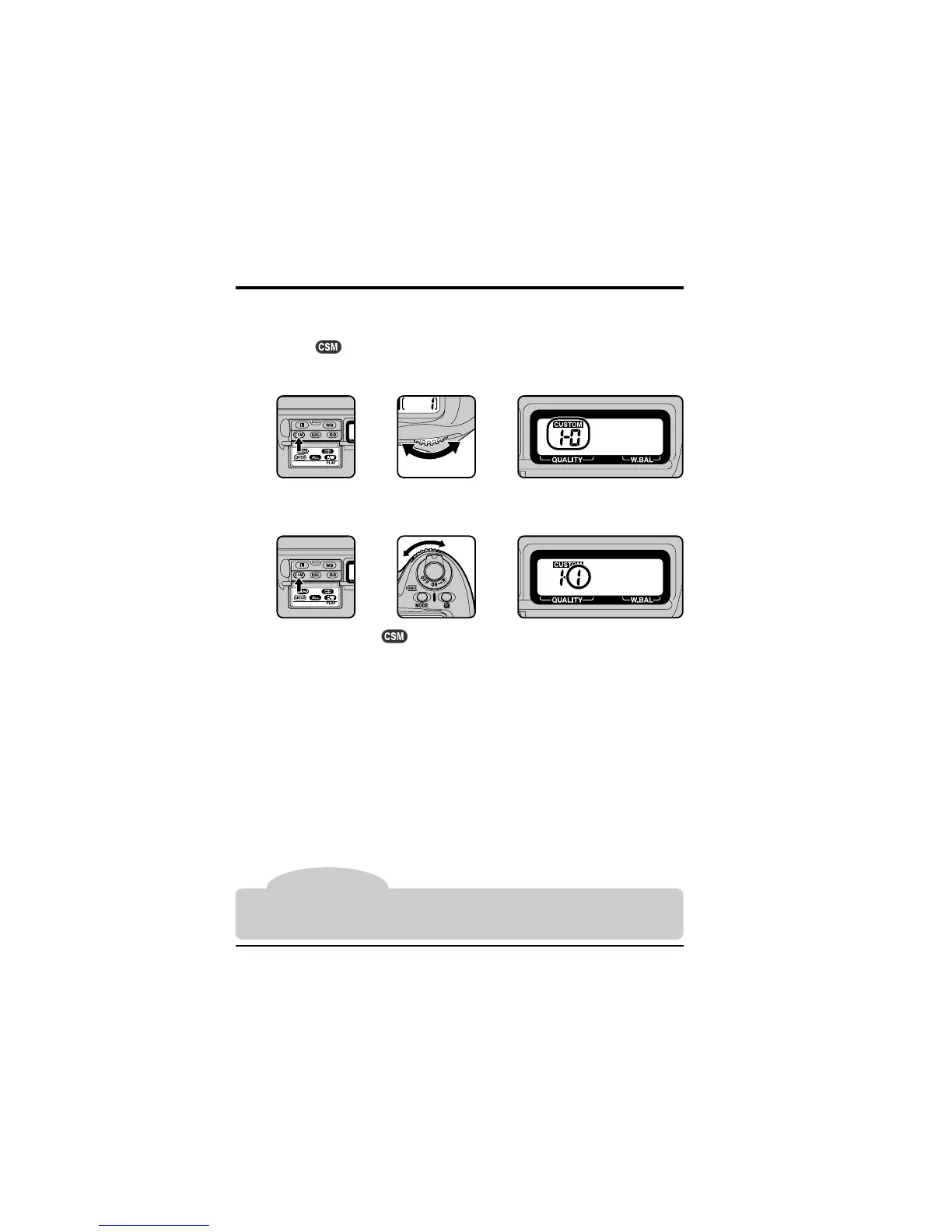
To make changes to custom settings:
1
Select the desired item by rotating the main command dial while holding
down the button. The rear control panel will show the item number
and the option currently selected for that item (e.g., “1-0” for “Item 1, option
0”).
The D1 offers a total of 32 items (0–31), each with its own menu of options.
2
Select an option for the chosen item by rotating the sub-command dial.
After you release the
button, CUSTOM will appear in the rear control
panel.
Custom Settings: Changing Custom Settings
To return custom settings to their default values, perform a two-button reset as described
in “Two-Button Reset” at the end of this chapter. Only settings in the current custom set
(see “Custom Settings Options,” item 0) will be reset.



 To Next Page