14
6 Take a Photograph
This section describes how to take a photograph using the most
commonly-used settings.
6
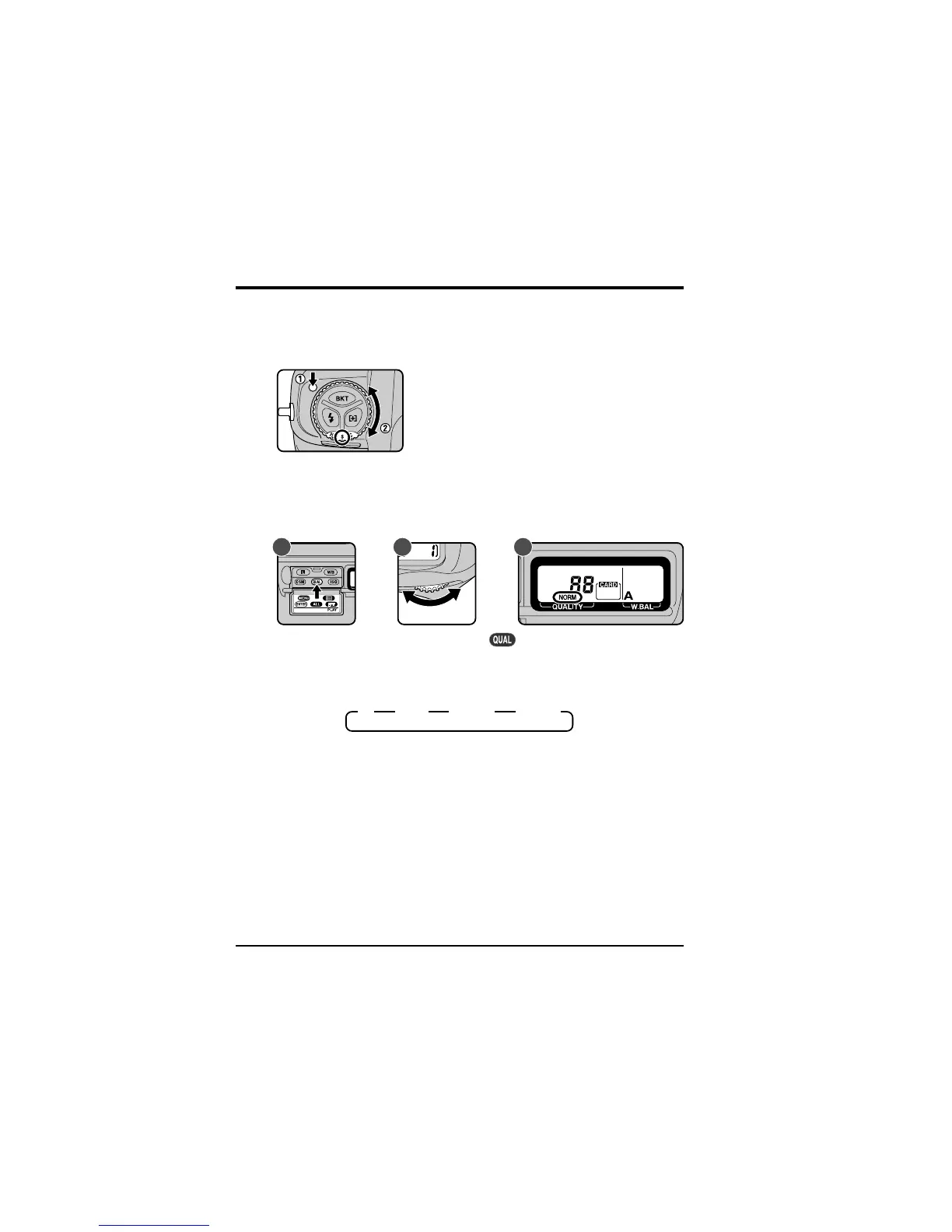
.1 Set the advance mode to S (single frame)
Hold the mode dial lock-release down and turn the mode dial to S
(single frame). See “Camera Settings: The Mode Dial” for more
information.
6
.2 Set image quality to NORM (normal)
A C
After turning the camera on, hold the button down (A) and turn the
main command dial (B). The image-quality display in the rear control
panel (C) will cycle through the image-quality settings as shown below.
Stop when the display shows NORM (normal).
B
HI FINE NORM BASIC
See “Camera Settings: Image Quality” for more information.
First Steps: Take a Photograph



 To Next Page