24
A B
C
First Steps: Play the Photograph Back
7
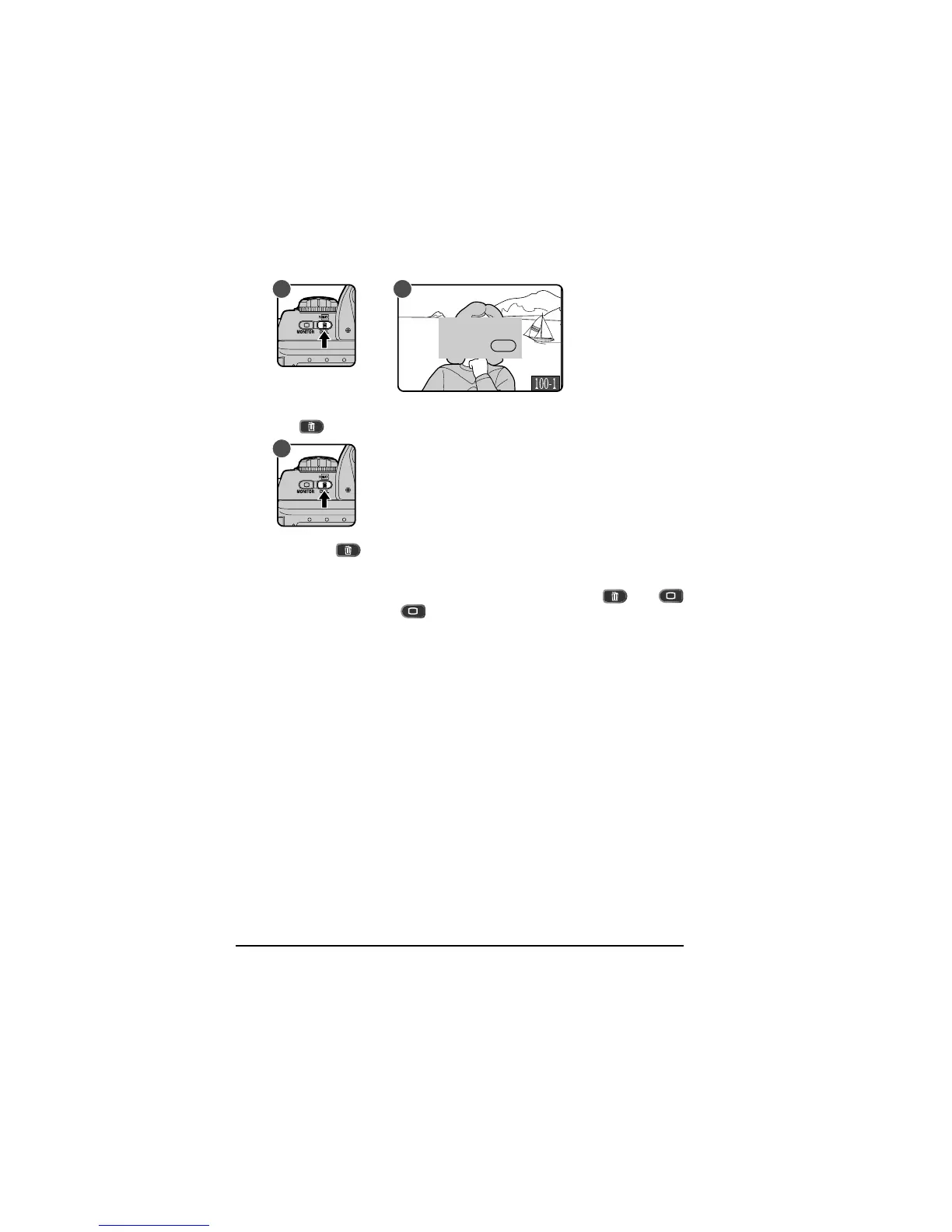
.2 Delete a photograph
To delete the photograph currently displayed in the LCD monitor, press
the button (A). A confirmation dialog will be displayed (B).
Press the
button again (C) to delete the photograph and return to
single image playback, where the next photograph in memory will be
displayed. To return to playback without deleting the photograph, press
any of the buttons on the rear of the camera except the
and
buttons. Press the button or lightly press the shutter-release
button to end playback without deleting the photograph.
For more information on deleting photographs, see “Playback.”
ERASING IMAGES
YES ☞
DEL



 To Next Page