83
4
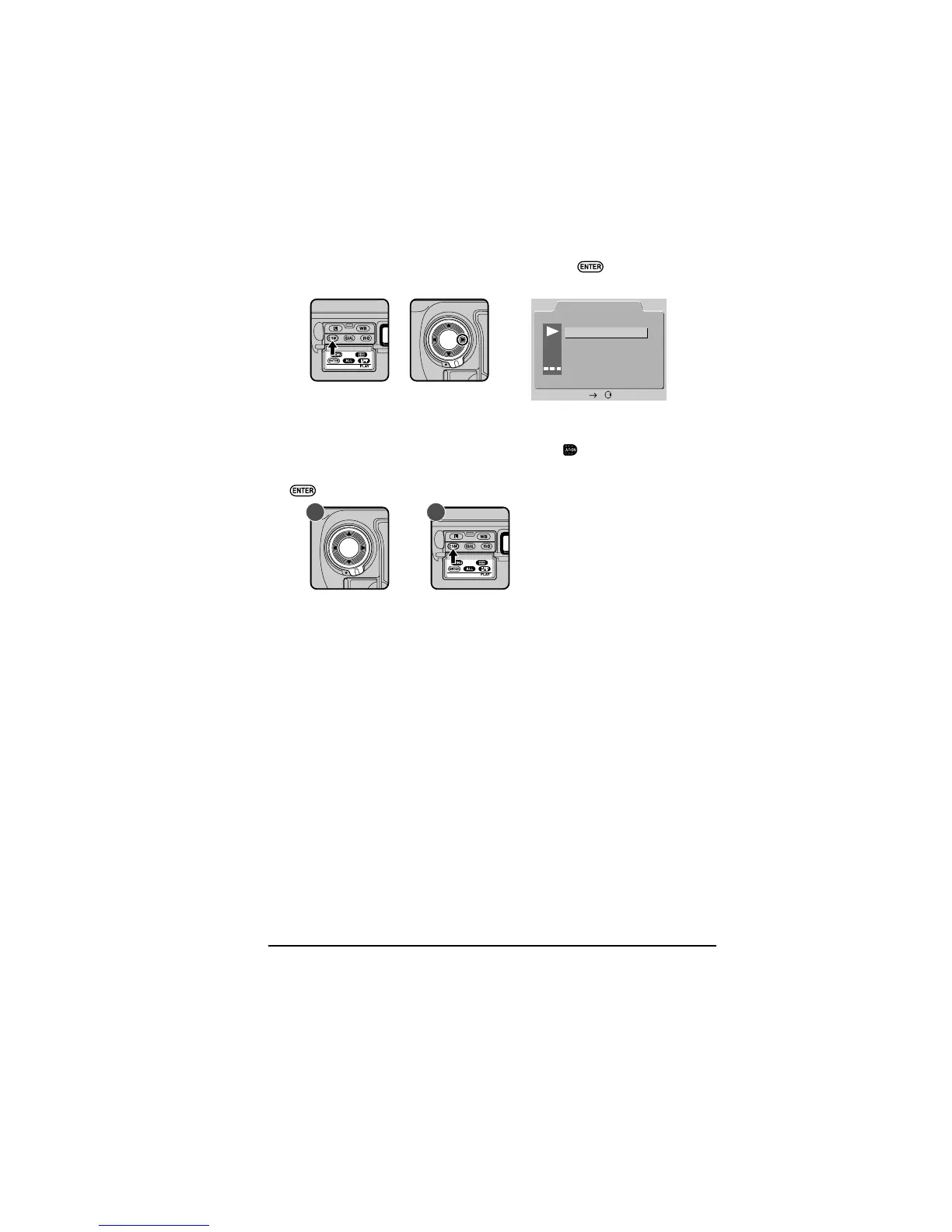
To select the currently highlighted item, press the button or press the
focus area selector to the right.
A submenu of options for the currently selected item will be displayed. To
return to the playback menu without making any changes to settings, press
the focus area selector to the left or press the
button.
5
To make changes to settings, highlight the desired option (A) and press the
button (B) or press the focus-area selector to the right.



 To Next Page