10
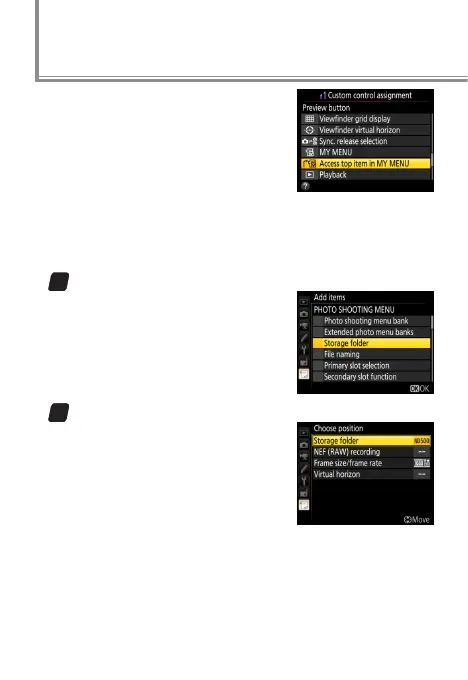
If Access top item in MY MENU is
selected for Custom Setting f1 (Cus‑
tom control assignment) >
0
Pre‑
view button, pressing the Pv button
will display the top item in My Menu,
letting you access functions that
cannot otherwise be assigned to a camera control. Here is
an example of how this could be used to congure the Pv
button to display the Storage folder menu.
1
Add Storage folder to My Menu.
In My Menu, select Add items>
PHOTO SHOOTING MENU and
then highlight Storage folder
and press J.
2
Move Storage folder to the top of My Menu.
Select Rank items and move
Storage folder to the top (you
can reorder the items as desired
at any time).
Quick Menu Access



 To Next Page
 Loading...











