45
IPTC Presets
The IPTC presets stored on the camera can be viewed dur-
ing playback by holding down the J button and pressing
3. To embed IPTC information in the current image, high-
light a preset and press J.
Creating IPTC Presets on a Computer
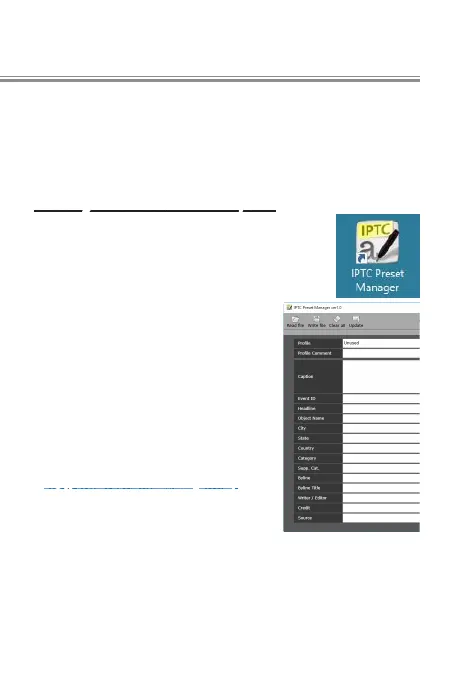
IPTC Preset Manager software can
be used to create IPTC presets and
copy them to the camera memory
card. Speakers of Asian languages
should note that double-byte char-
acters can be entered in most elds;
these will not display properly on
the camera, but can be read on the
computer.
IPTC Preset Manager is available
from the following website. For
more information, see the IPTC Pre-
set Manager online help.
http://downloadcenter.nikonimglib.com/
l



 To Next Page
 Loading...











