28
Muing the Shutter
Movie Stills
You can also achieve the eect of silent photography by
lming movies silently and then later playing the movie
back and using the Save selected frame option to create
JPEG stills from selected frames.
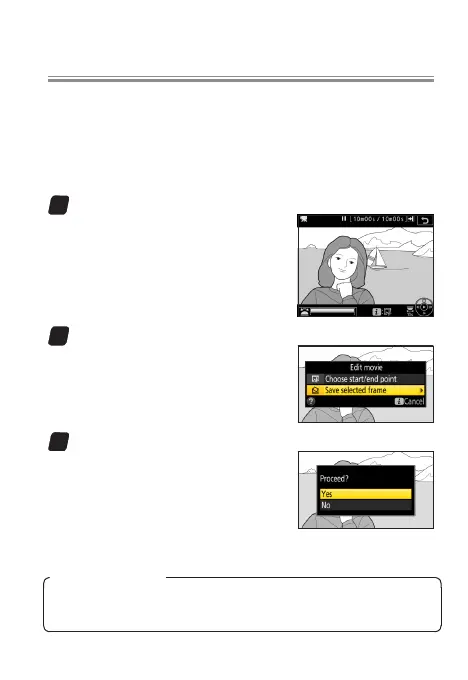
1
Pause playback on the desired frame.
Press 3 to pause playback.
2
Choose Save selected frame.
Press i or J, then highlight
Save selected frame and press
2.
3
Create a still copy.
Press 1 to create a ne★-quality
JPEG copy of the current frame.
A conrmation dialog will be dis-
played; highlight Yes and press J.
l
Save Selected Frame
Movie stills lack some photo information and can not be re-
touched.



 To Next Page
 Loading...











