40
Playback
Tagging Pictures
Protect or rate pictures to make them easier to nd.
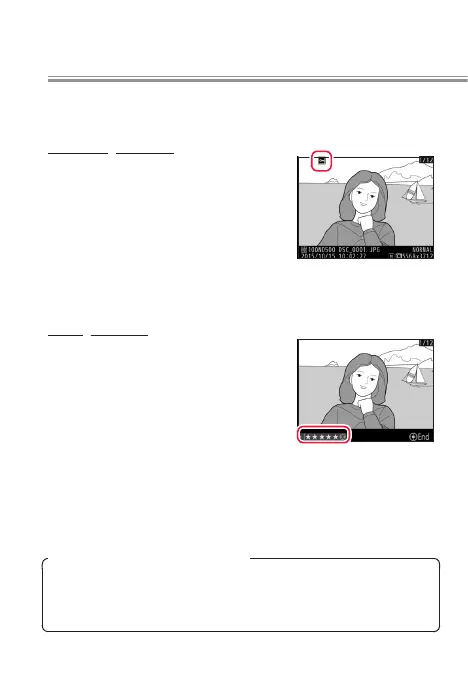
Protecting Pictures
Pressing the L (Z/Q) button
during playback tags the current
image with a P icon. If you select
Protect for Custom Setting f4 (Cus‑
tomize command dials)> Sub‑dial
frame advance, you can rotate the
sub-command dial to view only pro-
tected images.
Rating Pictures
Pictures that are not protected can
be given ratings of zero to ve stars
or marked as candidates for later
deletion by giving them a rating of
d. To rate pictures during playback,
press the i button and select Rat‑
ing.
l
Rating Pictures with the Fn2 Button
If Rating is selected for Custom Setting f1 (Custom control
assignment)> Fn2 button, pictures can be rated by press-
ing 4 or 2 while pressing the Fn2 button.



 To Next Page
 Loading...











