44
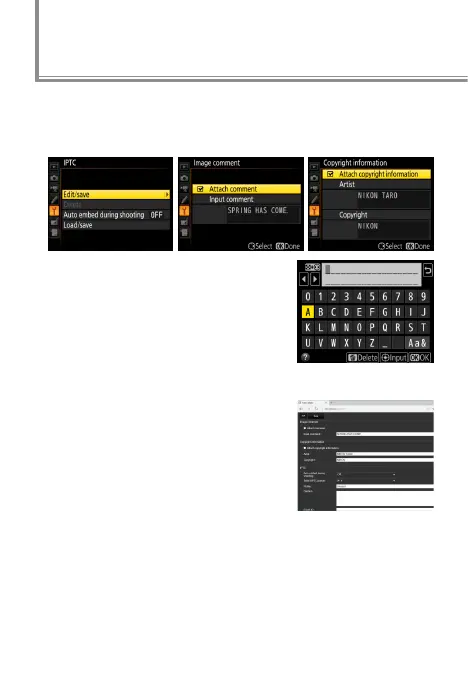
Text can be embedded in pictures using the IPTC, Image
comment, and Copyright information options in the cam-
era setup menu.
Text can be entered using the touch
screen.
Editing Text in HTTP Server Mode
IPTC presets, image comments, and
copyright information can be cre-
ated on a computer or Android or
iOS device using the “edit text” op-
tion in http server mode. Speakers
of Asian languages should note that
IPTC presets support double-byte
characters in most elds; these will not display properly on
the camera, but can be input and read on the computer.
l
Adding Text to Pictures



 To Next Page
 Loading...











