24
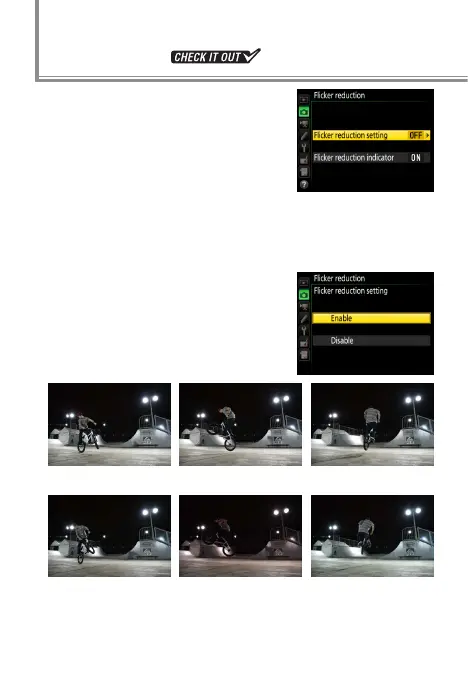
When powered by alternating cur-
rent, uorescent lamps and certain
other types of articial lighting
icker at a rate determined by the
frequency of the power supply,
which depending on the timing of
the shutter release may produce areas of uneven color or
exposure. Flicker reduction helps prevent this by matching
the timing of the shutter release to the icker rate.
To enable icker reduction, select
Enable for Flicker reduction> Flick‑
er reduction setting in the photo
shooting menu.
Flicker reduction enabled
Flicker reduction disabled
Flicker Reduction



 To Next Page
 Loading...











