Nikon D5100 Experience
24
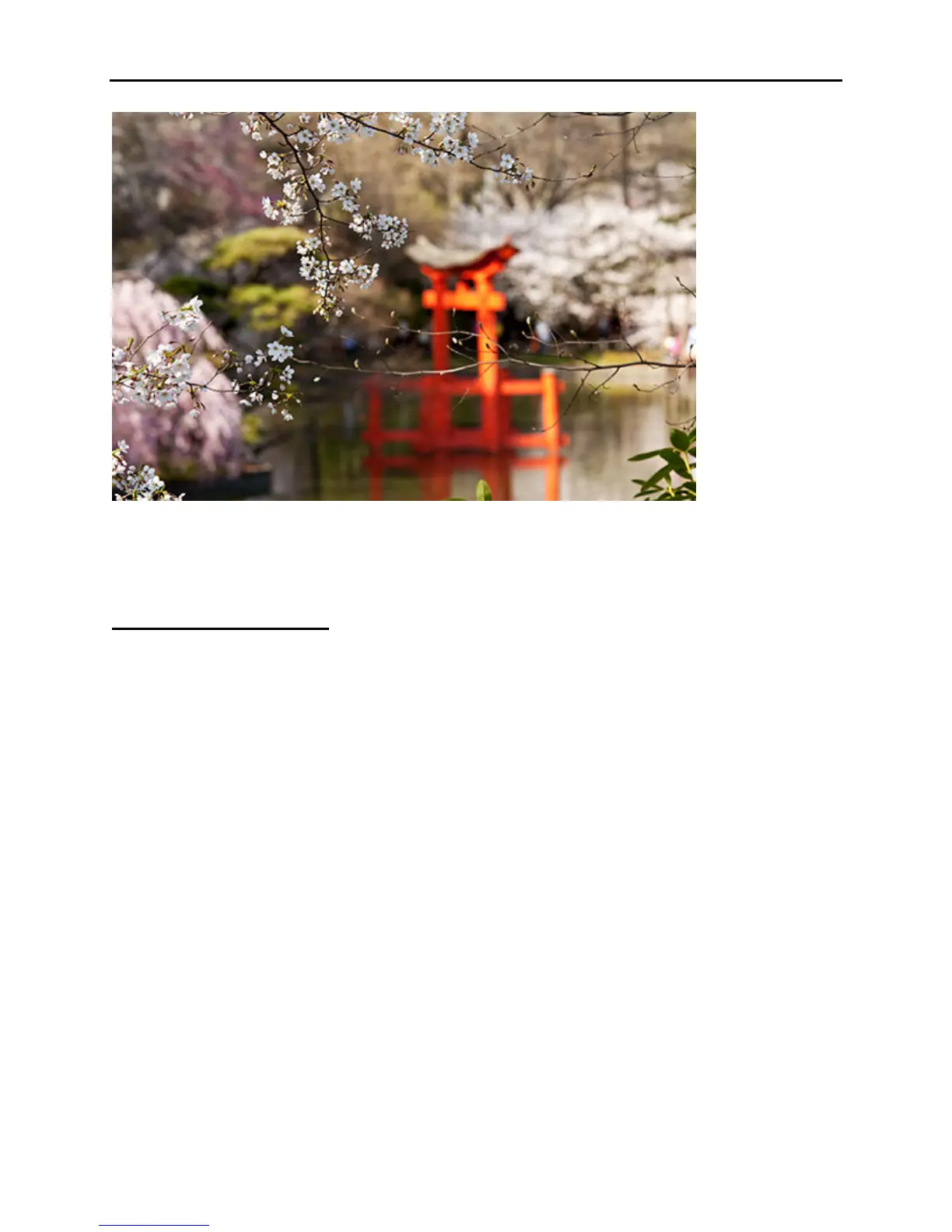
Figure 14 – Japanese Garden, Brooklyn, NY – Autofocus, exposure metering mode, aperture,
shutter speed, ISO, and white balance all considered in creating this image. Shutter speed
1/125, aperture f/6.3, ISO 200
JPEG vs. NEF (RAW)
As I said in the Menus section above, you are putting a lot of effort into taking your images, so
you should make sure the files are of the best possible quality. I recommend that you use either
the highest quality and largest size JPEG setting if you shoot JPEG (JPEG Fine, Large), or the
NEF (RAW) setting if you shoot RAW, or both combined if you need both types of files (see
Figure 15). (NEF is the file extension used by Nikon for images in the RAW file format. I will
typically use the term “RAW” when discussing the “NEF (RAW)” format.)
JPEG
Saving an image as a JPEG image file means that the camera takes the information that hits the
sensor and processes it with all the settings that you ask the camera to use. If you have the White
Balance set on Cloudy, it processes the image to include that information. If you have the
Picture Control set to Vivid, it processes the image to include that information. All of those
settings are now locked into and saved in your JPEG image file, and cannot be changed later. So
if your combination of settings resulted in an image with very high contrast and bright but
reddish colors, that is what your JPEG image will look like. The camera discarded some or
much of the original information that hit the sensor when it processed and saved that JPEG, and
that information is lost forever. For example, if the Picture Control you chose was one that
included a high level of contrast, those subtle gradations of skin tones from light to dark were
discarded during the processing and are gone, forever. And if you underexposed the image by
minus 2 EV, you can try to adjust that in Photoshop, but there will be a noticeable or significant



 To Next Page