Nikon D5100 Experience
43
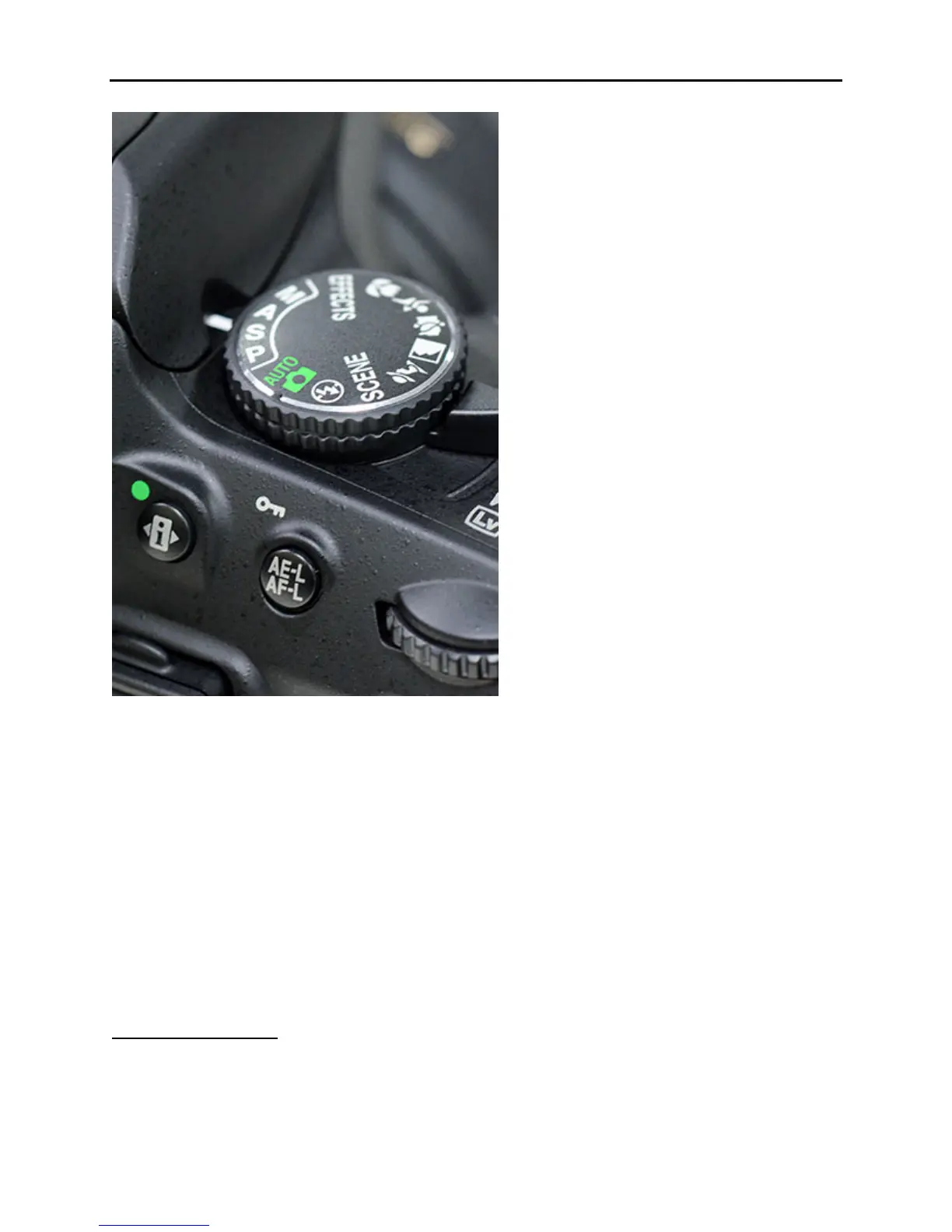
Figure 28 – Mode Dial of the Nikon D5100
To determine the exposure settings, first meter the scene with your metering mode of choice (you
will learn about Metering Modes immediately below) by setting your camera on A or S and
selecting the aperture or shutter speed you desire (depending on which mode you are in: A –
select aperture; S – select shutter speed). Look through the viewfinder at your scene, half-press
the Shutter-Release Button to start the camera’s metering, and make note of the aperture and
shutter speed in the viewfinder. Then set your Mode Dial on M, and dial in those settings using
the Command Dial. Turn the Command Dial alone to adjust the shutter speed, and press and
hold the Exposure Compensation Button while turning the Command Dial to adjust the aperture.
Focus and take the picture. The Exposure Indicator in the viewfinder will indicate if the scene
will be properly exposed, underexposed, or overexposed. You can adjust the aperture or shutter
speed to bring this level to 0.
Metering Modes
It is one thing to know that your Nikon D5100 provides you with three different metering modes
to choose from (see Figure 29). It’s another thing to know how they differ and when and how to



 To Next Page