Nikon D5100 Experience
36
Exposure
To consistently make successful images you need a basic understanding of what is sometimes
called the “exposure triangle,” which is the function of and relationship between the shutter
speed, aperture, and ISO settings. While you may find this subject to be confusing, intimidating,
and sometimes counter-intuitive, it lies at the core of dSLR camera use and image making, so it
is essential that you understand it. I will briefly explain all of this, but an in-depth discussion is
not within the scope of this guide to the D5100. However it is important to know in order to help
understand the following content, so if you don’t fully understand the “exposure triangle,” read a
book such as Bryan Peterson’s Understanding Exposure immediately.
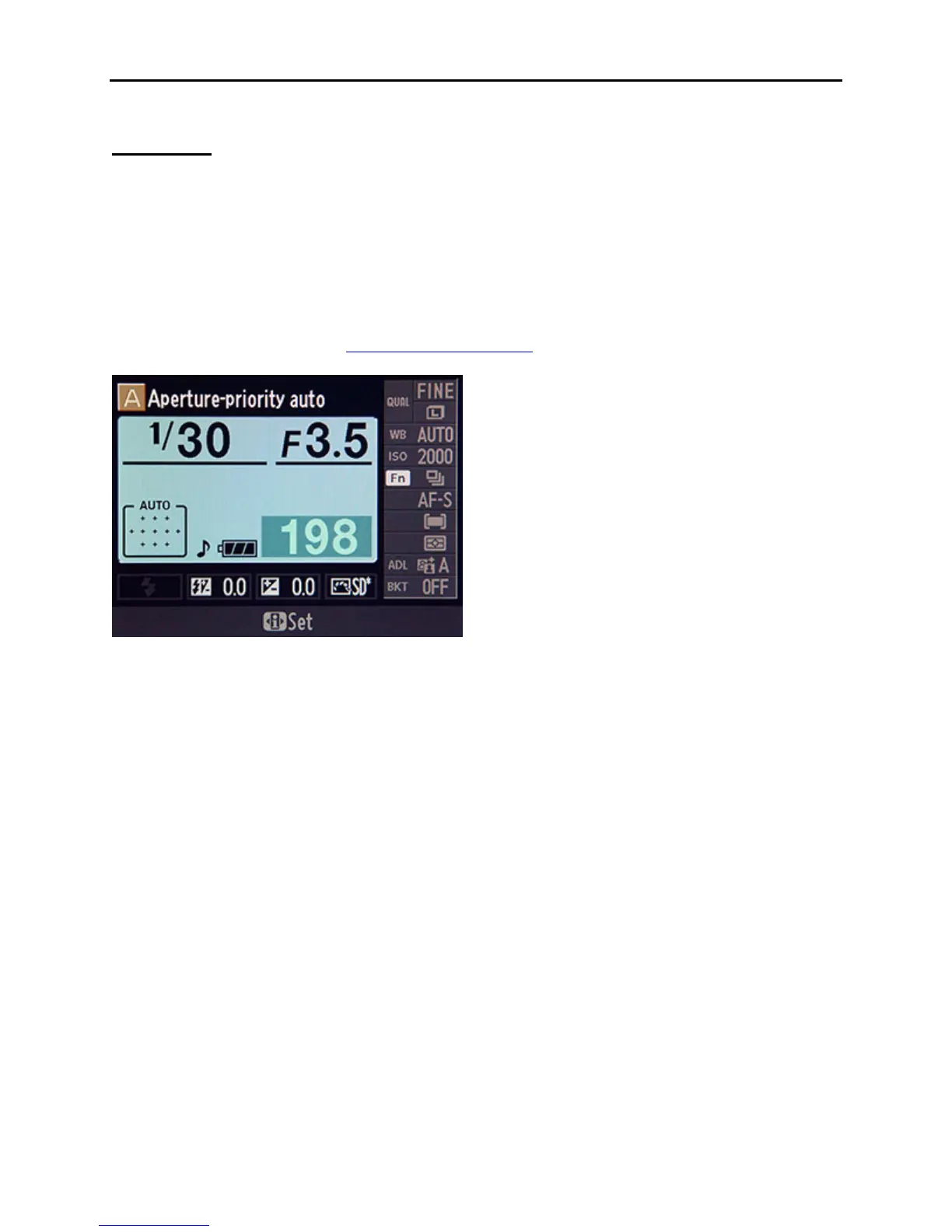
Figure 24 – Information Display (Classic format) showing Shutter Speed (1/30), Aperture (f/3.5)
and ISO (2000). Note that these are not ideal shutter speed or ISO settings for most situations!
Aperture, Shutter Speed and ISO
Exposure is controlled by three settings – aperture, shutter speed, and ISO – which determine the
amount of light hitting the sensor, the time that the sensor is exposed to the light, and the
sensitivity of the sensor (see Figure 24). An optimally exposed image is obtained when all of
these settings are harmoniously set based on the lighting of the scene and the desired results.
Since all three settings work together, they can be changed in a specific situation (one can be
raised and another lowered) and a “properly” exposed image (one that is not overexposed or
underexposed) can still be taken. But the resulting images may be dramatically different. For
example you can take two very different yet properly exposed photos of a runner moving across
your frame. In one shot the runner is frozen in space and in the other shot the runner is a blurred
streak of color. Or you can take two properly exposed yet very different looking portraits of a
subject. In one shot the subject and the trees behind them are all in focus and in another the
subject is in focus but the trees behind them are softly out of focus. The differences depend on
which shutter speed or which aperture setting you or the camera chooses.
Aperture is the opening in the lens that controls the amount of light hitting the sensor. You can
control the size of this opening in Aperture-Priority Auto mode (A), and in Manual mode (M). A
large opening lets in a lot of light and a small opening lets in a little light.



 To Next Page