124
Setup The Shooting Menu
Shooting Options: The Shooting Menu
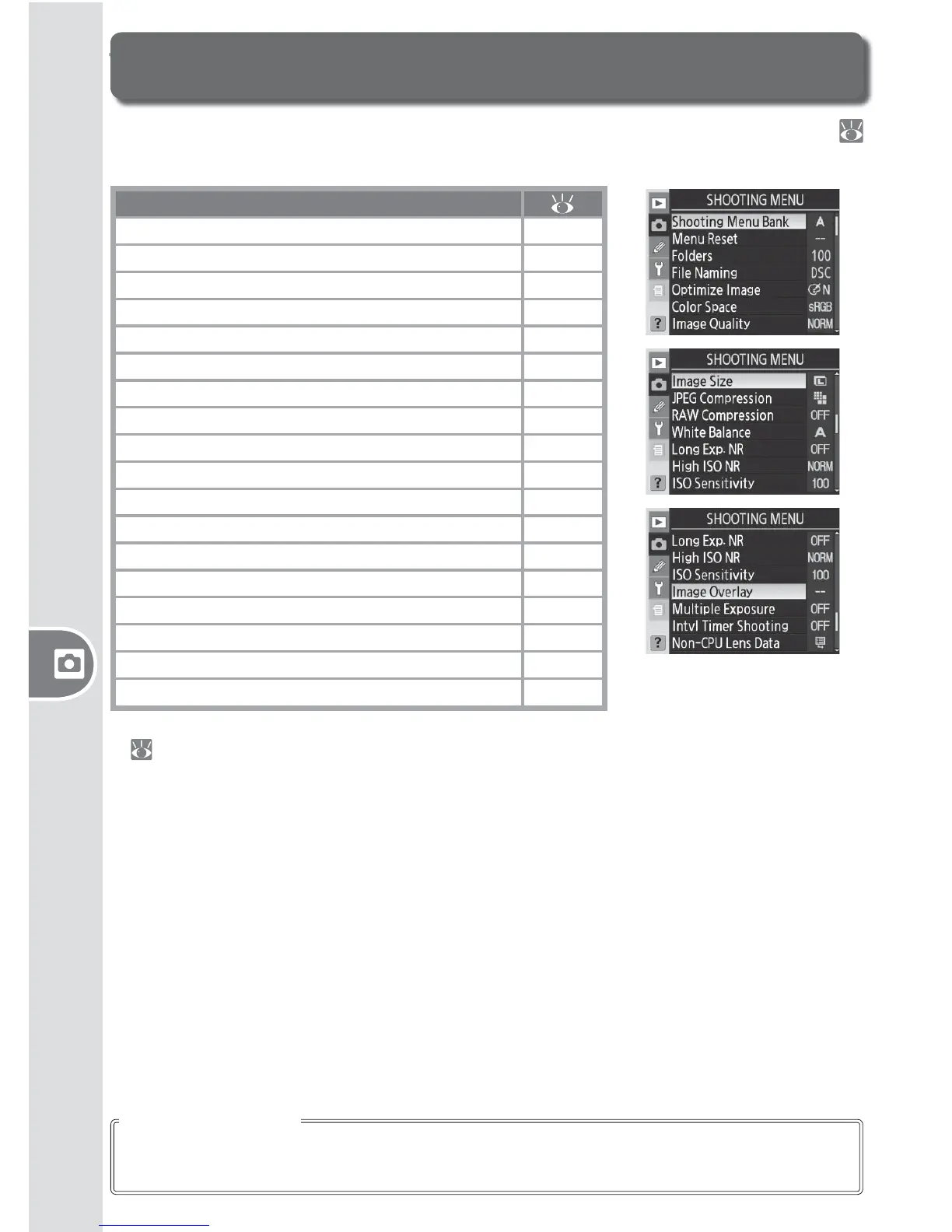
The shooting menu contains the following options. See “Using the Menus” (
24) for more information on using the menus.
Option
Shooting Menu Bank 125–126
Menu Reset 126
Folders 128
File Naming 129
Optimize Image 129
Color Space 129
Image Quality
*
129
Image Size
*
130
JPEG Compression 130
RAW Compression 130
White Balance
*
130
Long Exp. NR 131
High ISO NR 131
ISO Sensitivity
*
132
Image Overlay 132
Multiple Exposure 132
Intvl Timer Shooting 132
Non-CPU Lens Data 132
* Reset to defaults when a two-button reset is performed
(
97).
The multi selector can be used at any time when the monitor is on. The focus selector
lock switch only takes eff ect when the monitor is off .
Using the Multi Selector



 To Next Page
 Loading...









