121
The Setup MenuSetup
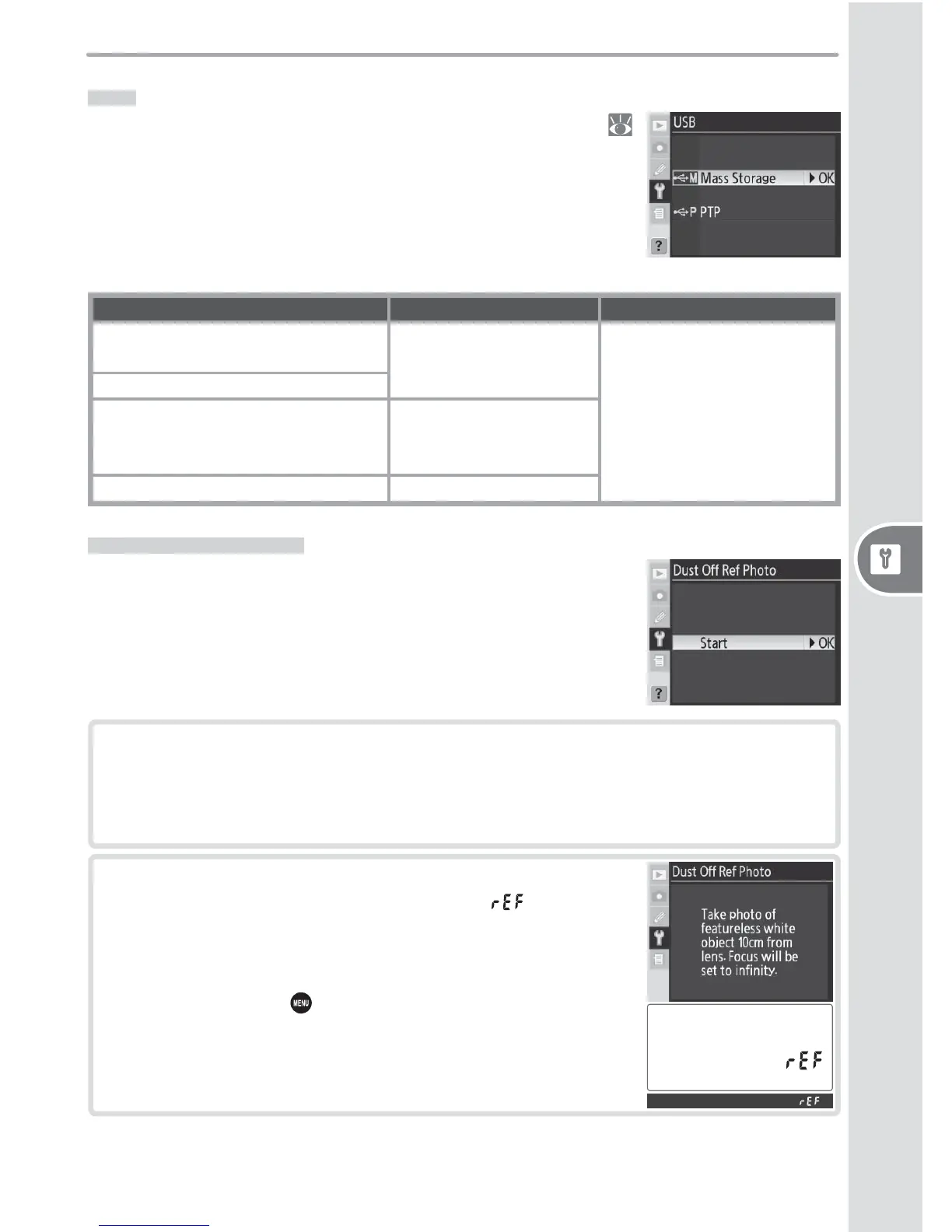
USB
Before connecting the camera to a com put er via USB (
107), select the appropriate USB option as determined by
the computer operating system and whether the camera
is being controlled from Nikon Capture 4 Version 4.4 or
later (available separately) or photographs are being trans-
ferred to the computer using the supplied software:
Operating system Supplied software Nikon Capture 4 Camera Control
Windows XP Home Edition
Windows XP Professional
Choose PTP or Mass
Storage
Choose PTP
Mac OS X
Windows 2000 Professional
Windows Millennium Edition (Me)
Windows 98 Second Edition (SE)
Choose Mass Storage
Mac OS 9 Not supported
Dust Off Ref Photo
Acquire reference data for the Image Dust Off function in
Nikon Capture 4 Version 4.4 or later (available separately;
for more information, see the Nikon Capture 4 User’s Man-
ual).
2
Press the multi selector to the right. The message
shown at right will be displayed, and will be dis-
played in the control panel and viewfi nder.
To cancel the operation and return to the setup
menu, press the button.
1
Mount a CPU lens on the camera (a lens with a focal length of at least
50 mm is recommended). The Dust Off Ref Photo option is only available
with CPU lenses. If using a zoom lens, zoom in to the maximum telephoto
position.



 To Next Page
 Loading...









