141
Setup The Playback Menu
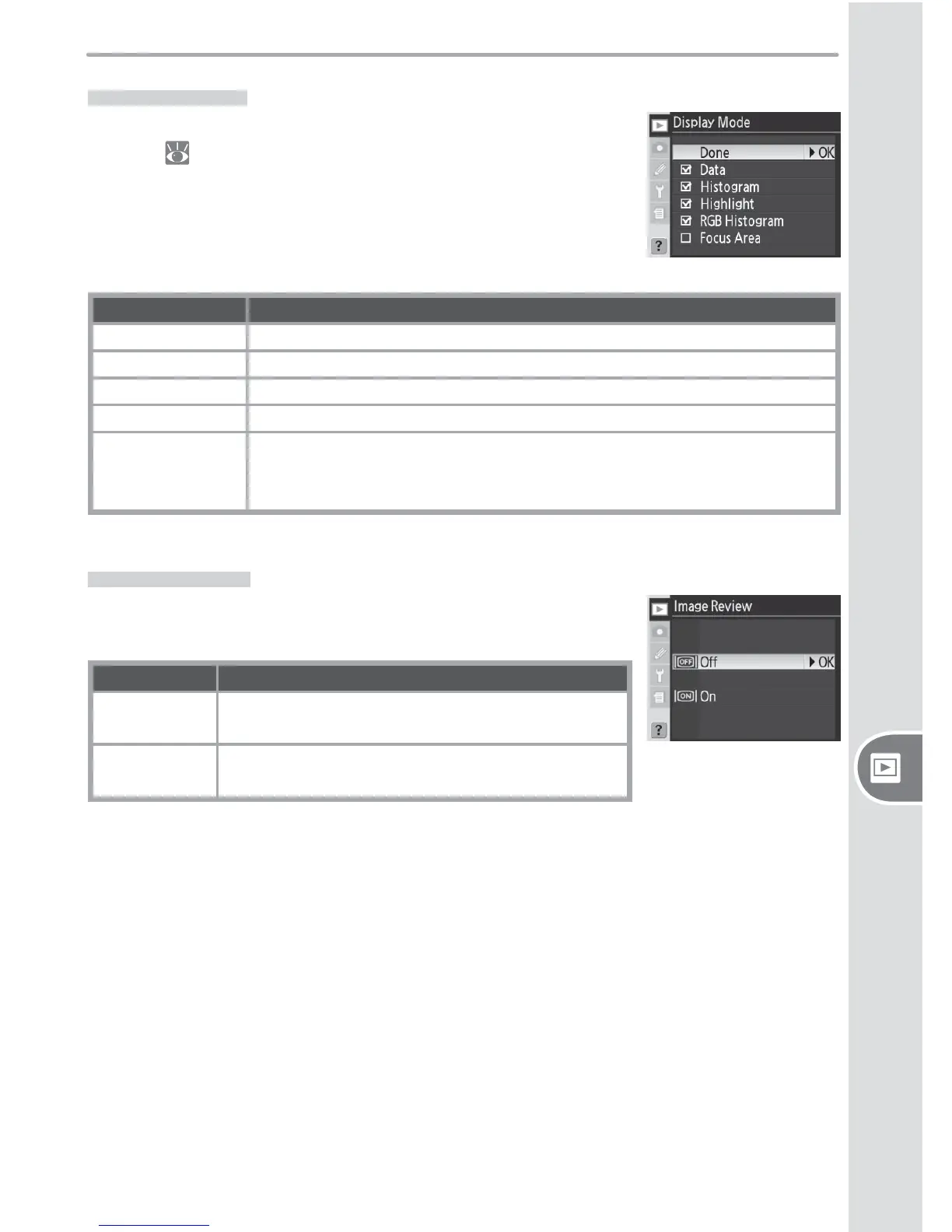
Display Mode
To choose the information listed in the photo-information
display ( 99), highlight the desired option and press the
multi selector right. A ✔ appears next to selected items;
to deselect, highlight and press the multi selector to the
right. To return to the playback menu, highlight Done and
press the multi selector to the right.
Option Description
Data
*
Shooting data appears in photo information display.
Histogram
*
Histogram appears in photo information display.
Highlight
*
Highlight page appears in photo information display.
RGB Histogram
*
RGB histogram appears in photo information display.
Focus Area
Active focus area (if single-servo AF is used with dynamic-area AF,
group dynamic-AF, or closest-subject priority, area where focus fi rst
locked) is shown in red in photo information display.
* Default selection.
Image Review
Image Review controls whether or not photographs are
displayed in the monitor immediately after shooting.
Option Description
Off (default)
Photographs are not automatically displayed af-
ter shooting.
On
Photographs are automatically displayed after
shooting.



 To Next Page
 Loading...









