179
Printing Photographs
1
2
3
Print select
Tr i m Print
Set
7
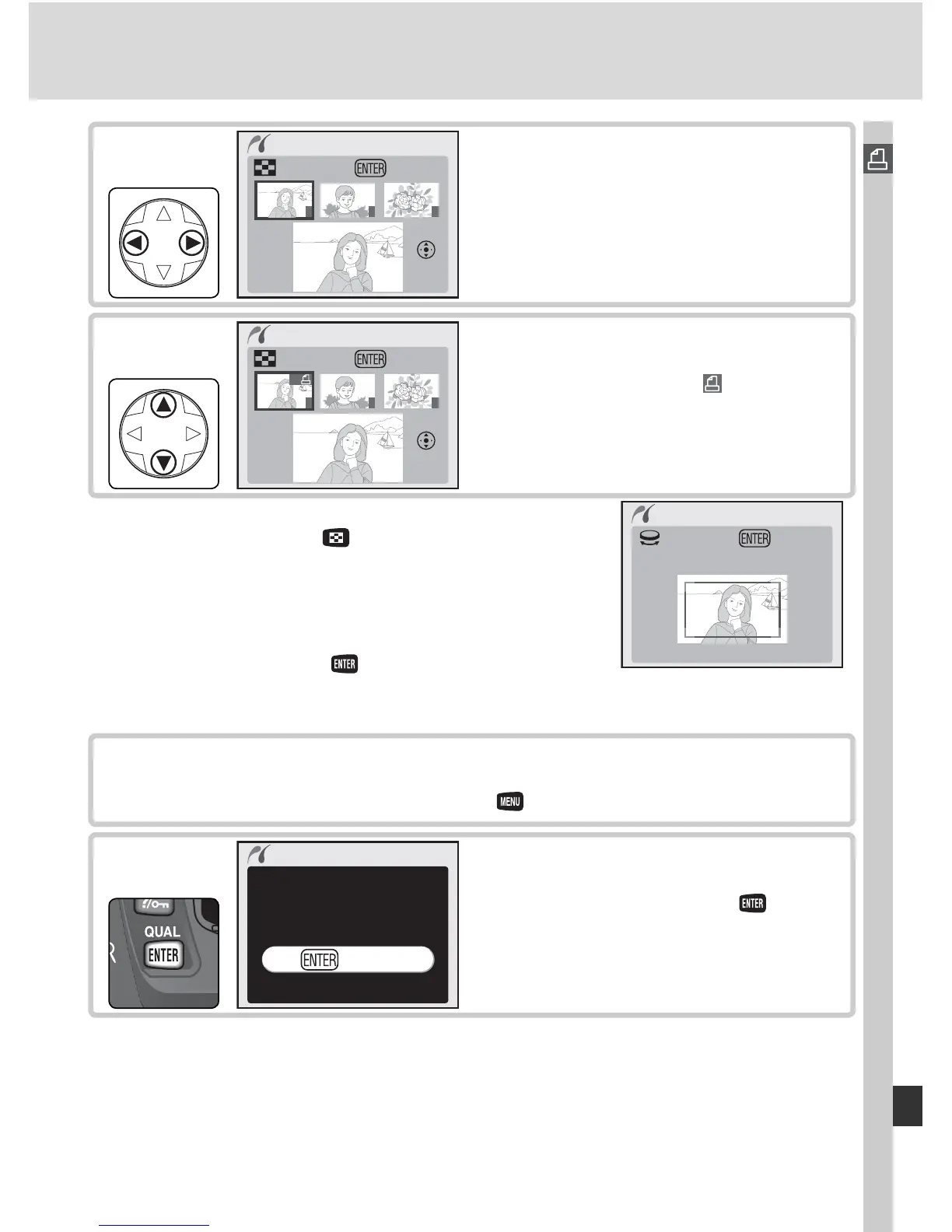
Scroll through photos. Current photo
shown at bottom of display.
Repeat steps 7 and 8 to select additional pictures. To deselect picture,
press multi selector down when number of prints is 1. To exit to Pict-
Bridge menu without printing, press button.
9
1 / 9
Cancel
Printing
10
Begin printing. To cancel and return
to PictBridge menu before all images
have been printed, press button
again.
1
2
3
01
Print select
Tr i m Print
Set
8
Press multi selector up to select photo
and set number of prints to 1. Selected
photos are marked by icon. Press
multi selector up or down to specify
number of prints (up to 99).
‡
‡
If printer supports cropping, photo can be cropped
for printing by pressing button. Dialog shown at
right will be displayed; rotate main command dial to
zoom in or out and use multi selector to scroll to other
areas of image (note that prints may become slightly
“grainy” when highly enlarged). When desired area is
framed in monitor, press button to return to print
selection dialog. Only selected portion of photo will
be included when image is printed.
Tr im photos
Tr i m OK



 To Next Page