.USB. VI Basic Operations
5 Using the DS-L1 when Connected to a PC by a USB Cable
- 118 -
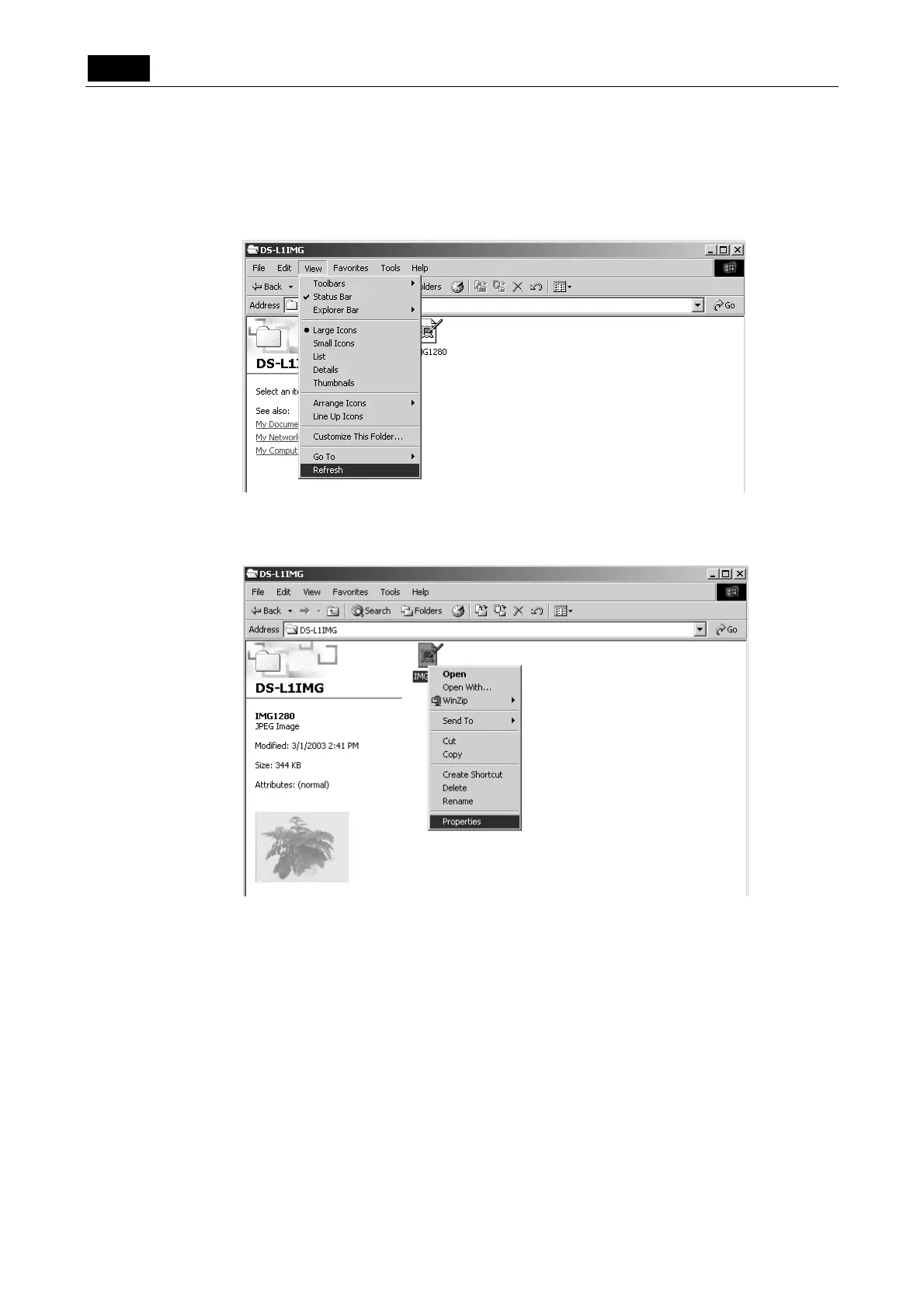
Confirming the updated date/time of image files
1) Open My Computer and display image file icons. Then select [View] - [Refresh] to
update the image file icons displayed.
2) Right-click any image file icon of interest and select [Properties] from the ensuing
menu. The updated date and time will be displayed.













 To Next Page