VI Basic Operations SETUP
1 Preparations Before Photographing
- 19 -
VI
Basic Operations
1
Preparations Before Photographing
1.1
Using Various Input Devices
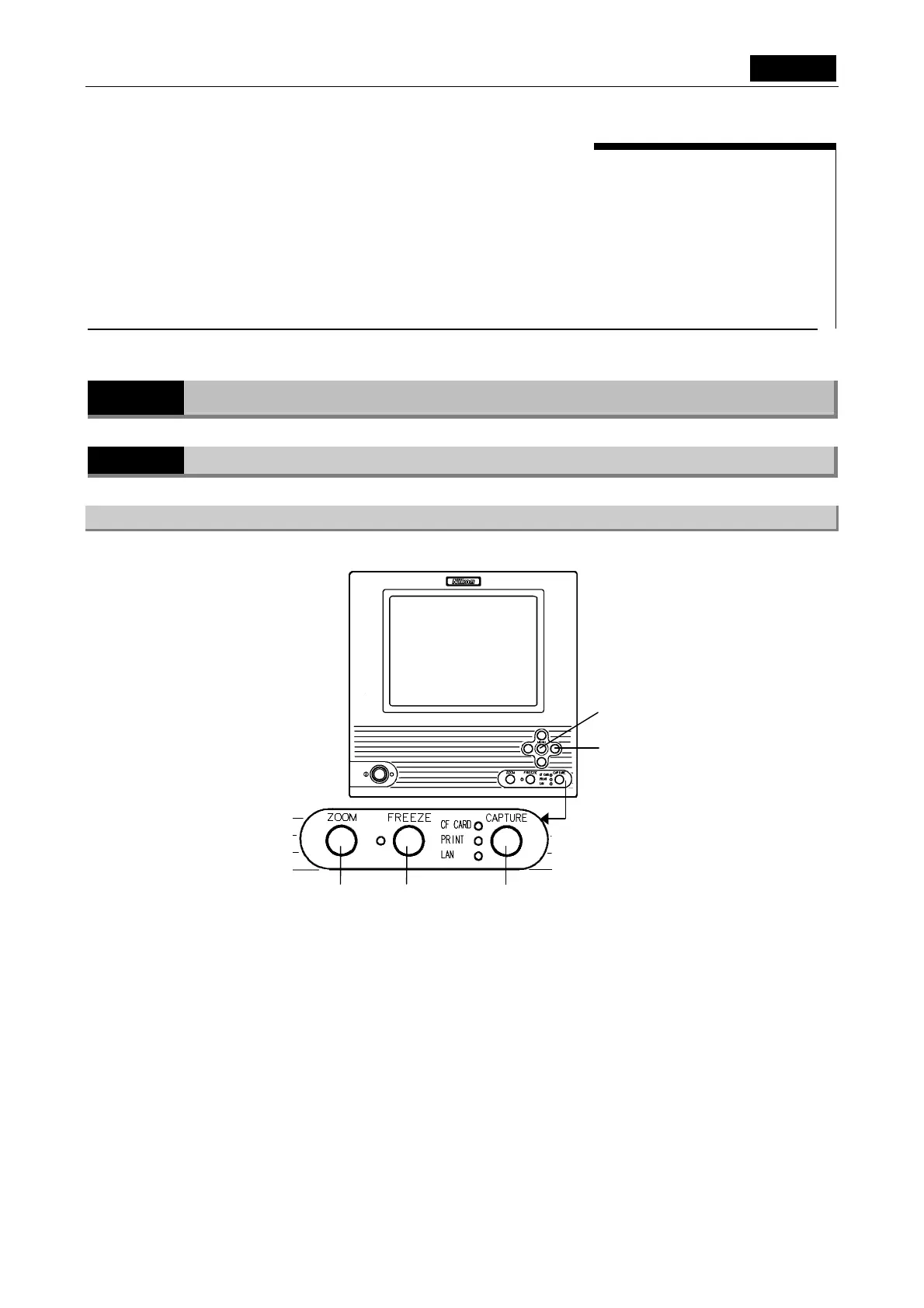
1.1.1 Using the DS-L1 Panel Switches
MENU button (menu/enter button)
Pressing the MENU button brings up the CAM Easy menu. While the menu is displayed, use
this button as the ENTER button to confirm your selection.
MENU button
Cursor buttons
ZOOM button FREEZE button CAPTURE button













 To Next Page