VI Basic Operations USB
5 Using the DS-L1 when Connected to a PC by a USB Cable
- 119 -
5.3.5 Removing the DS-L1 from the PC
Because the DS-L1 is connected via a USB interface, it can be removed from the PC even if the
PC remains powered on. However, to prevent data from being corrupted by removing the DS-L1
during write operation, follow the procedure described below.
1) Eject the media from the media drive before removing the DS-L1.
2) Unplug the USB cable or turn off the power to the DS-L1.
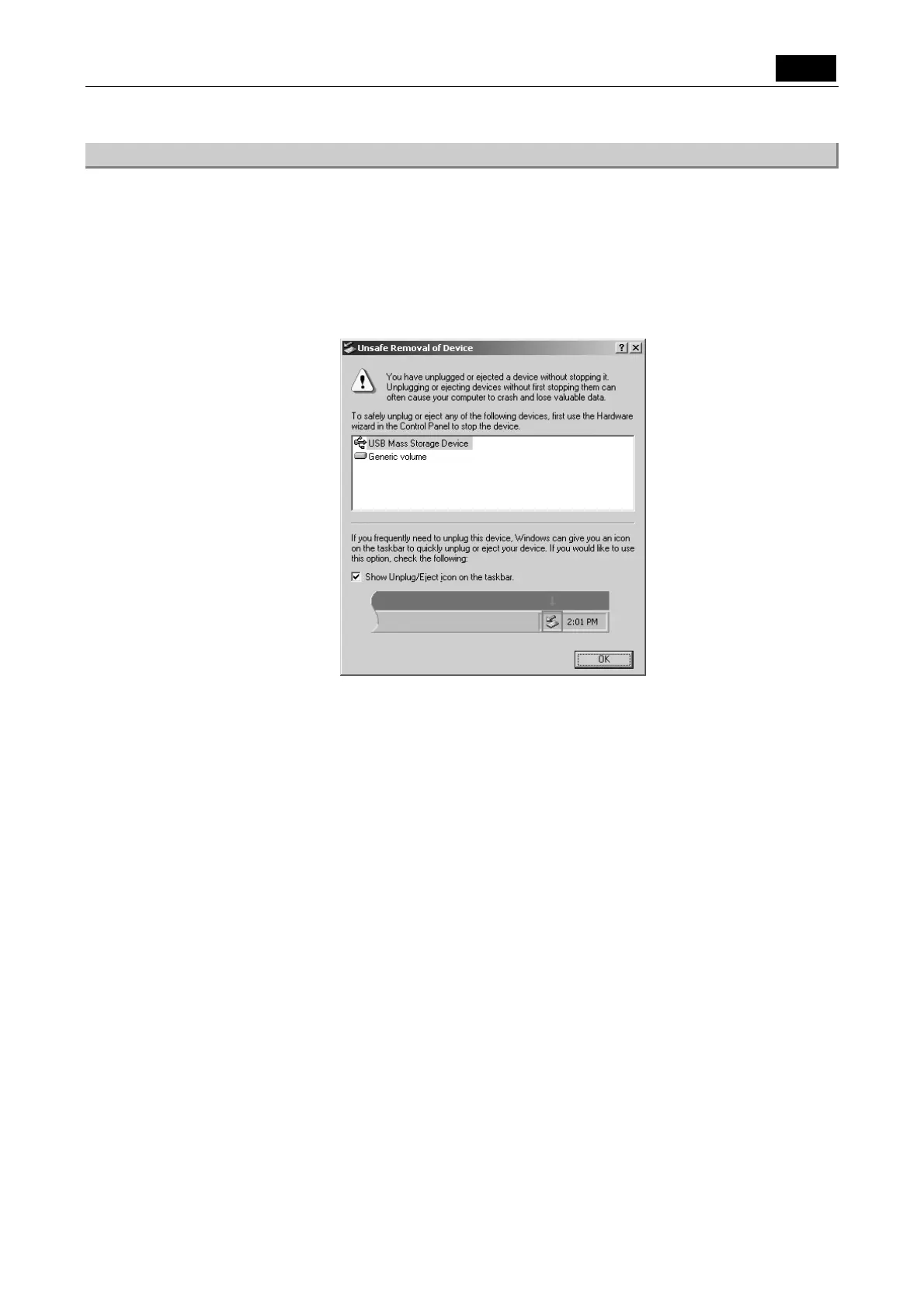
3) When the below is displayed, click [OK].
Plug in the USB cable and turn on the DS-L1. The device will be recognized by the PC again.













 To Next Page